Beginner's Guide to CorelDraw X6: Mastering Lines, Nodes & Shapes 🖍️ (Part 4)
Learn essential techniques in CorelDraw X6, including working with line segments, nodes, converting lines, and understanding different node types. Perfect for beginners to enhance their design skills!
Eng Seong
1 views • Jul 14, 2014
About this video
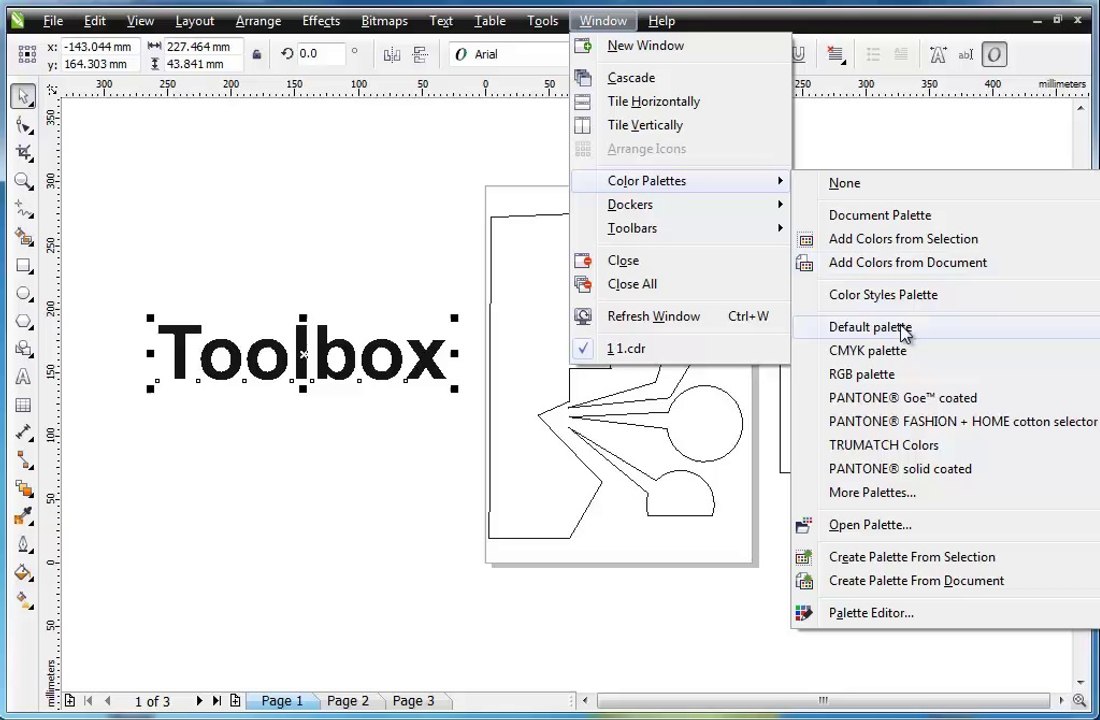
Guide - CorelDraw X6 for Begineers <br />- Line Segment <br />- Node <br />- Convert to line <br />- Types - Noes <br />- Symmetrical node <br />- Cusp node <br />- Smooth node <br />- Shift-F4 <br />- Shape Tool <br />- Text Tool <br />- Artistic Text <br />- Paragraph Text <br />- Color <br />- View Wireframe <br />- Fill outline <br />- Envelope Tool <br />- Outline Pen <br />- Rotation <br />- Transformations
Video Information
Views
1
Duration
21:45
Published
Jul 14, 2014
Related Trending Topics
LIVE TRENDSRelated trending topics. Click any trend to explore more videos.
No specific trending topics match this video yet.
Explore All Trends