Before We Compare Flight Simulators… Understand This One First | X-Plane 12
Before comparing flight simulators, it helps to understand what one of them is actually trying to do. In this video we take a closer look at X-Plane 12 — it...

The Flying Doctor
35.9K views • Mar 16, 2026
About this video
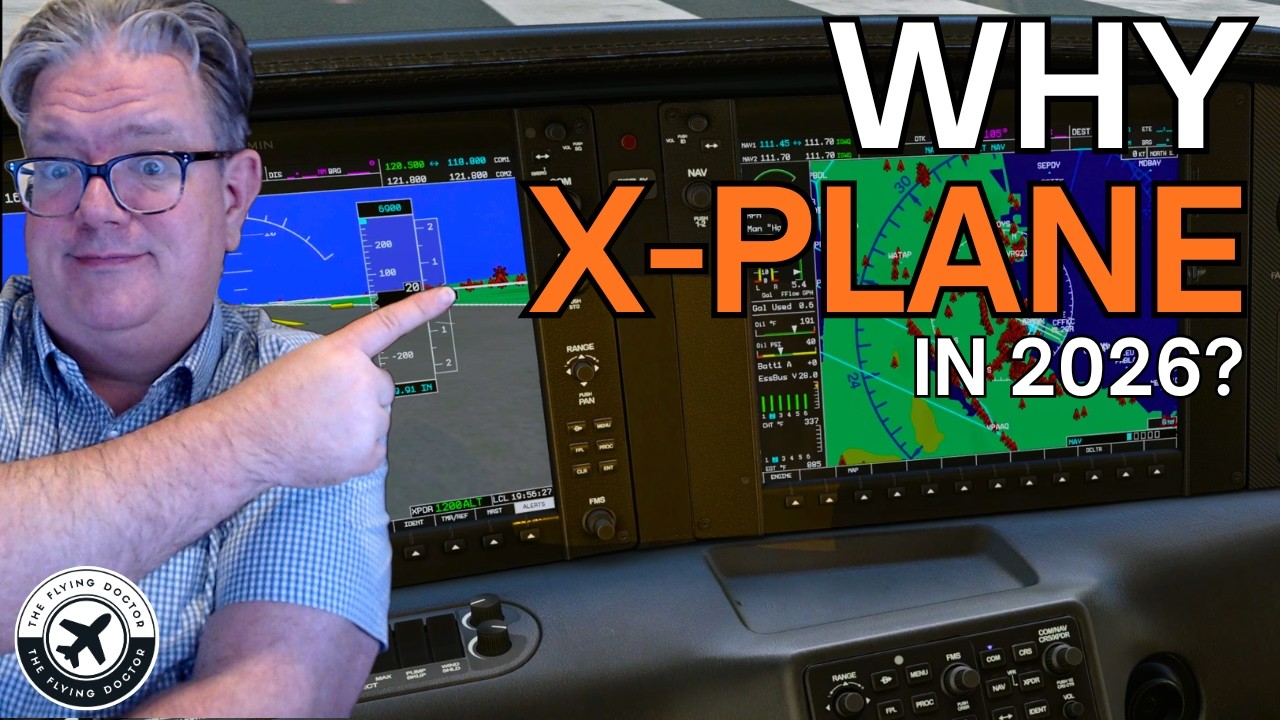
Before comparing flight simulators, it helps to understand what one of them is actually trying to do.
In this video we take a closer look at X-Plane 12 — its design philosophy, systems, visuals, and the technology behind its approach to realism. Rather than a simple comparison, this is an exploration of how the simulator works and why it was built the way it was.
X-Plane has a long history in aviation simulation, and its development has often taken a different path from other simulators. Understanding that history helps explain many of the choices we see in X-Plane 12 today.
Whether you fly in Microsoft Flight Simulator, X-Plane, or multiple platforms, this video aims to give a clearer picture of what makes this simulator unique.
Simulator: X-Plane 12
Topic: Flight simulation realism and design philosophy
Please note that some of the footage in this sim includes SimHeaven Europe, and/or XPlane Map enhancement - apart from those areas where I state that I removed this...
If you enjoy thoughtful flight-simulation analysis, consider subscribing for more videos like this.
00:00 Intro to XPlane12
01:00 What we cover -
01:45 VR
02:10 Respected Flight Model
03:10 Control Configuration
03:30 Novice and Real-World Pilot Training
04:56 Flight Planning and Procedures
06:50 Instrumentation and Interiors
07:30 Weather Engine and atmospherics
09:30 Multi-Monitor Support
11:30 Direct comparison with MSFS 2024
12:20 XPlane philosophy
12:30 Scenery and Views
13:00 A change of mind over San Fransisco
14:20 Scenery over London
14:40 London models are a guide, not a real-life
15:25 XPlane community
15:40 VR in XPlane12
16:50 Window placement in VR and the Jump feature
18:30 VR over London (with Sim Heaven installed
21:40 XPlane VR as a second attempt - because tweaking in Xplane is addictive.
20:00 Xplane gets under your skin
21:10 Priorities that push you to XPlane12
23:33 Priorities that push to away from Xplane12
24:00 A serious sim for those who stay within the cockpit
Test System
This video was recorded on the following system:
CPU: AMD Ryzen 9 9950X3D
GPU: NVIDIA RTX 3080 Super
RAM: 64 GB
Resolution: 4K on triple screens,
plus 1 x HD utility monitor, 1x 1920x1200 monitor
VR
Quest 3
Remote Desktop Streamer linking with SteamVR
Wireless setup
GLIVYXTP1M8IBMHM
In this video we take a closer look at X-Plane 12 — its design philosophy, systems, visuals, and the technology behind its approach to realism. Rather than a simple comparison, this is an exploration of how the simulator works and why it was built the way it was.
X-Plane has a long history in aviation simulation, and its development has often taken a different path from other simulators. Understanding that history helps explain many of the choices we see in X-Plane 12 today.
Whether you fly in Microsoft Flight Simulator, X-Plane, or multiple platforms, this video aims to give a clearer picture of what makes this simulator unique.
Simulator: X-Plane 12
Topic: Flight simulation realism and design philosophy
Please note that some of the footage in this sim includes SimHeaven Europe, and/or XPlane Map enhancement - apart from those areas where I state that I removed this...
If you enjoy thoughtful flight-simulation analysis, consider subscribing for more videos like this.
00:00 Intro to XPlane12
01:00 What we cover -
01:45 VR
02:10 Respected Flight Model
03:10 Control Configuration
03:30 Novice and Real-World Pilot Training
04:56 Flight Planning and Procedures
06:50 Instrumentation and Interiors
07:30 Weather Engine and atmospherics
09:30 Multi-Monitor Support
11:30 Direct comparison with MSFS 2024
12:20 XPlane philosophy
12:30 Scenery and Views
13:00 A change of mind over San Fransisco
14:20 Scenery over London
14:40 London models are a guide, not a real-life
15:25 XPlane community
15:40 VR in XPlane12
16:50 Window placement in VR and the Jump feature
18:30 VR over London (with Sim Heaven installed
21:40 XPlane VR as a second attempt - because tweaking in Xplane is addictive.
20:00 Xplane gets under your skin
21:10 Priorities that push you to XPlane12
23:33 Priorities that push to away from Xplane12
24:00 A serious sim for those who stay within the cockpit
Test System
This video was recorded on the following system:
CPU: AMD Ryzen 9 9950X3D
GPU: NVIDIA RTX 3080 Super
RAM: 64 GB
Resolution: 4K on triple screens,
plus 1 x HD utility monitor, 1x 1920x1200 monitor
VR
Quest 3
Remote Desktop Streamer linking with SteamVR
Wireless setup
GLIVYXTP1M8IBMHM
Video Information
Views
35.9K
Likes
907
Duration
24:43
Published
Mar 16, 2026
User Reviews
4.7
(7) Related Trending Topics
LIVE TRENDSRelated trending topics. Click any trend to explore more videos.
Trending Now