Easily Backup & Restore Your Galaxy Phone Data with Samsung Cloud 📱
Learn simple steps to back up and restore your Galaxy device using Samsung Cloud. Protect your data and make switching to a new phone hassle-free!

Samsung Care
276.5K views • Jan 29, 2021
About this video
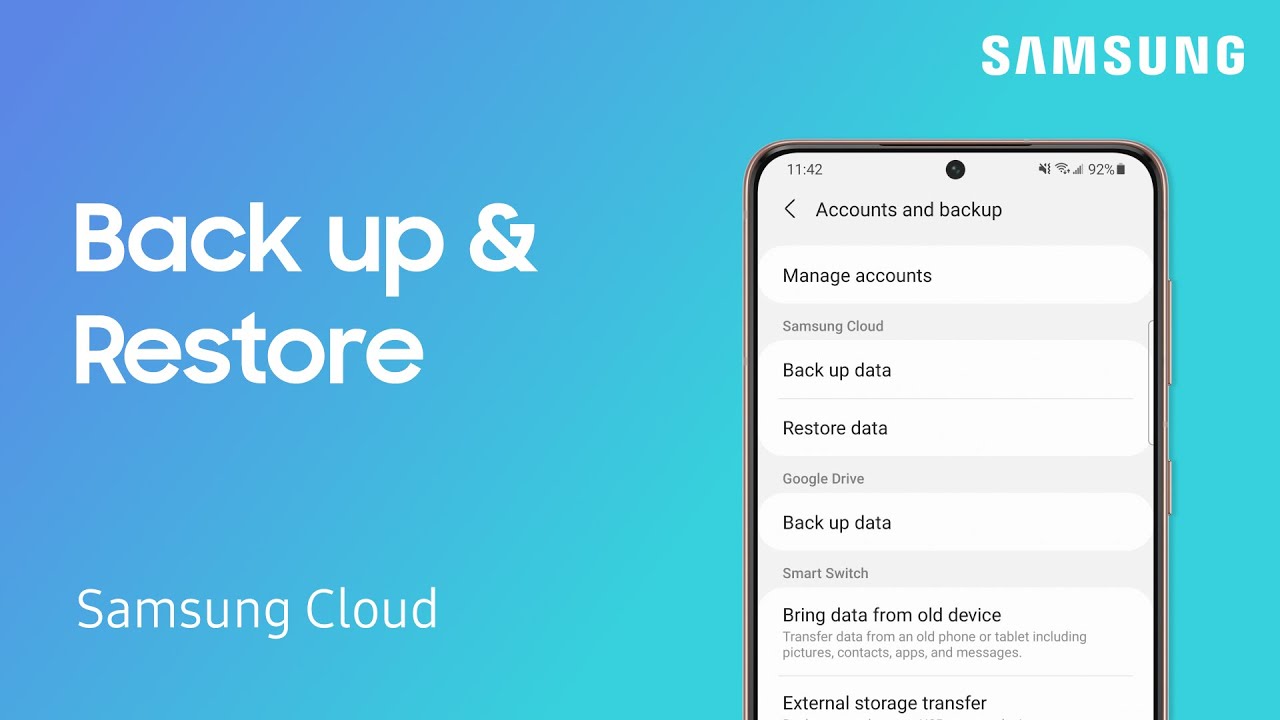
It’s always a great idea to back up your phone data just in case you ever lose or break your phone. It can also make it easier add that data to a new phone in the future. As long as you have a Samsung account, you can back up and restore using Samsung Cloud. Just navigate to Accounts and backup on your Galaxy device. From there, you can back up or restore by tapping either option under the Samsung Cloud header. Samsung Cloud will back up your call logs, messages, phone contacts, calendar, and more, just be aware that it does not back up any attachments in your texts.
For more on backing up, restoring, and what content can be backed up: https://www.samsung.com/us/support/answer/ANS00060517/
For more on backing up, restoring, and what content can be backed up: https://www.samsung.com/us/support/answer/ANS00060517/
Tags and Topics
Browse our collection to discover more content in these categories.
Video Information
Views
276.5K
Likes
1.3K
Duration
1:20
Published
Jan 29, 2021
User Reviews
4.2
(55) Related Trending Topics
LIVE TRENDSRelated trending topics. Click any trend to explore more videos.
Trending Now