DaVinci Resolve Studio: Auto Subtitles for Beginners
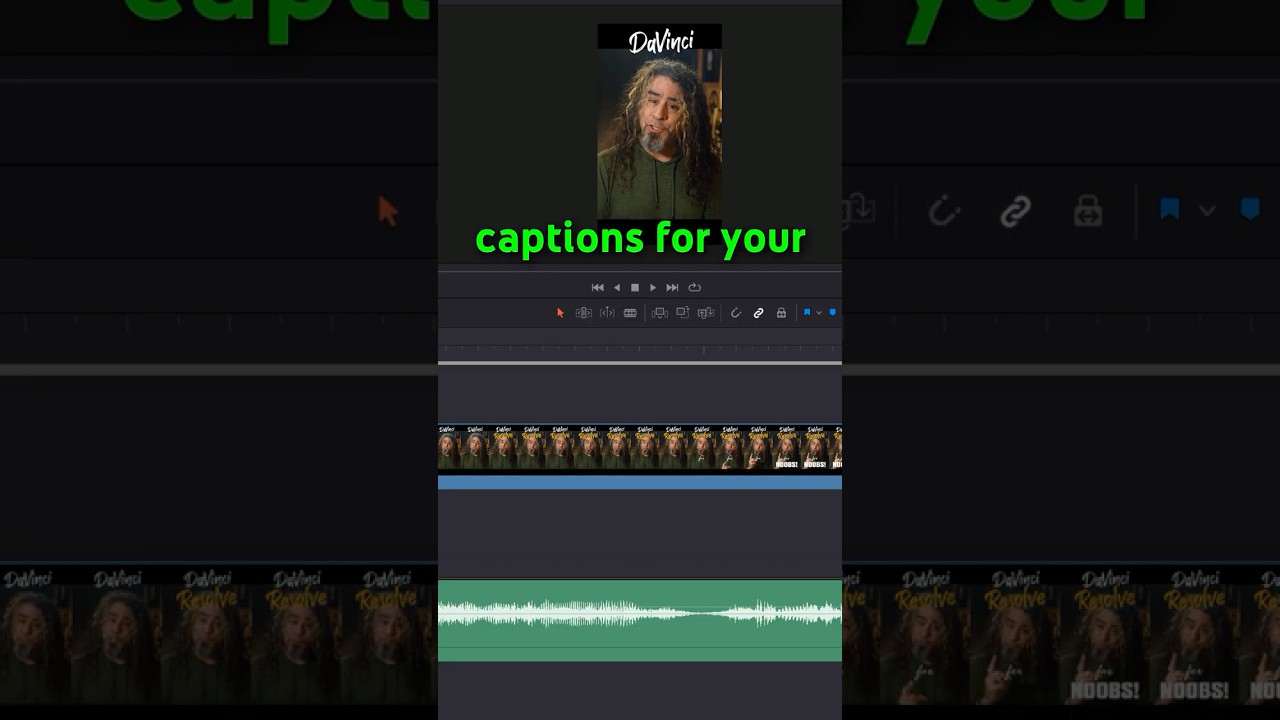
Learn how to use the Studio-only auto subtitle feature in DaVinci Resolve 20 from audio, accessible via AI Tools on the Edit page. 🎬

Daniel Batal
860.6K views • Aug 23, 2023
About this video
*This is a Studio Only Feature.
In version 20, the subtitles feature is located under: Edit Page ➡️ Timeline ➡️ AI Tools ➡️ Create Subtitles from Audio
🔴 Languages Available for Resolve Auto Captions: English, Chinese, Spanish, French, German, Japanese, Korean, Portuguese, Russian, Italian, Swedish, Norwegian, Dutch, and Danish
🔴 DaVinci Resolve FUSION Page for NOOBS! ▶️ https://youtu.be/XZcu0CVcQsQ
-------------------------------------------------------------------
✔️Want your YouTube channel to grow faster? Join my memberships program! https://www.youtube.com/channel/UCjbNv0mUvHN5k3rqPOxoVWg/join
✔️ Here is the gear I actually use and recommend: https://www.amazon.com/shop/danielbatal (affiliate)
--------------------------------------------------------------
YouTube tools that helped me make this video:
🟢 Live Stream using StreamYard!
👉 Sign up for your FREE Streamyard account Here!: https://www.streamyard.com/danielbatal
🔴 TubeBuddy: https://www.tubebuddy.com/DanielBatal (affiliate)
20% Off ANY TubeBuddy license! Use code: DanielsBuddy
✔️ Morning Fame Keyword Research Tool: https://morningfa.me/invite/9s3b7l5m
#DanielBatal #DaVinciResolveForNOOBS
Disclosure:
I’m usimg the latest version of DaVinci Resolve Studio on PC.
Some of these links go to one of my websites and some are affiliate links where I'll earn a small commission if you make a purchase at no additional cost to you. As an Amazon Associate I earn from qualifying purchases.
All images and additional video segments contained in the Thumbnails and/or B-roll segments are used in strict compliance with the appropriate permissions and licenses required from https://pixabay.com and/or https://stock.adobe.com and in accordance with the YouTube Partner Program, Community guidelines & YouTube terms of service.
Sponsored videos and brand sponsored content on this channel will be clearly
In version 20, the subtitles feature is located under: Edit Page ➡️ Timeline ➡️ AI Tools ➡️ Create Subtitles from Audio
🔴 Languages Available for Resolve Auto Captions: English, Chinese, Spanish, French, German, Japanese, Korean, Portuguese, Russian, Italian, Swedish, Norwegian, Dutch, and Danish
🔴 DaVinci Resolve FUSION Page for NOOBS! ▶️ https://youtu.be/XZcu0CVcQsQ
-------------------------------------------------------------------
✔️Want your YouTube channel to grow faster? Join my memberships program! https://www.youtube.com/channel/UCjbNv0mUvHN5k3rqPOxoVWg/join
✔️ Here is the gear I actually use and recommend: https://www.amazon.com/shop/danielbatal (affiliate)
--------------------------------------------------------------
YouTube tools that helped me make this video:
🟢 Live Stream using StreamYard!
👉 Sign up for your FREE Streamyard account Here!: https://www.streamyard.com/danielbatal
🔴 TubeBuddy: https://www.tubebuddy.com/DanielBatal (affiliate)
20% Off ANY TubeBuddy license! Use code: DanielsBuddy
✔️ Morning Fame Keyword Research Tool: https://morningfa.me/invite/9s3b7l5m
#DanielBatal #DaVinciResolveForNOOBS
Disclosure:
I’m usimg the latest version of DaVinci Resolve Studio on PC.
Some of these links go to one of my websites and some are affiliate links where I'll earn a small commission if you make a purchase at no additional cost to you. As an Amazon Associate I earn from qualifying purchases.
All images and additional video segments contained in the Thumbnails and/or B-roll segments are used in strict compliance with the appropriate permissions and licenses required from https://pixabay.com and/or https://stock.adobe.com and in accordance with the YouTube Partner Program, Community guidelines & YouTube terms of service.
Sponsored videos and brand sponsored content on this channel will be clearly
Tags and Topics
Browse our collection to discover more content in these categories.
Video Information
Views
860.6K
Likes
27.2K
Duration
0:30
Published
Aug 23, 2023
User Reviews
4.8
(172) Related Trending Topics
LIVE TRENDSRelated trending topics. Click any trend to explore more videos.
No specific trending topics match this video yet.
Explore All Trends