Automate the Boring Stuff with Python - Part 13: Web Scraping
Learn Python programming to automate your daily work, e.g. web scraping, working with Excel documents and Google Drive. We cover chapter 12 of the book Autom...
Learning Python
5.7K views • May 12, 2022
About this video
Learn Python programming to automate your daily work, e.g. web scraping, working with Excel documents and Google Drive.
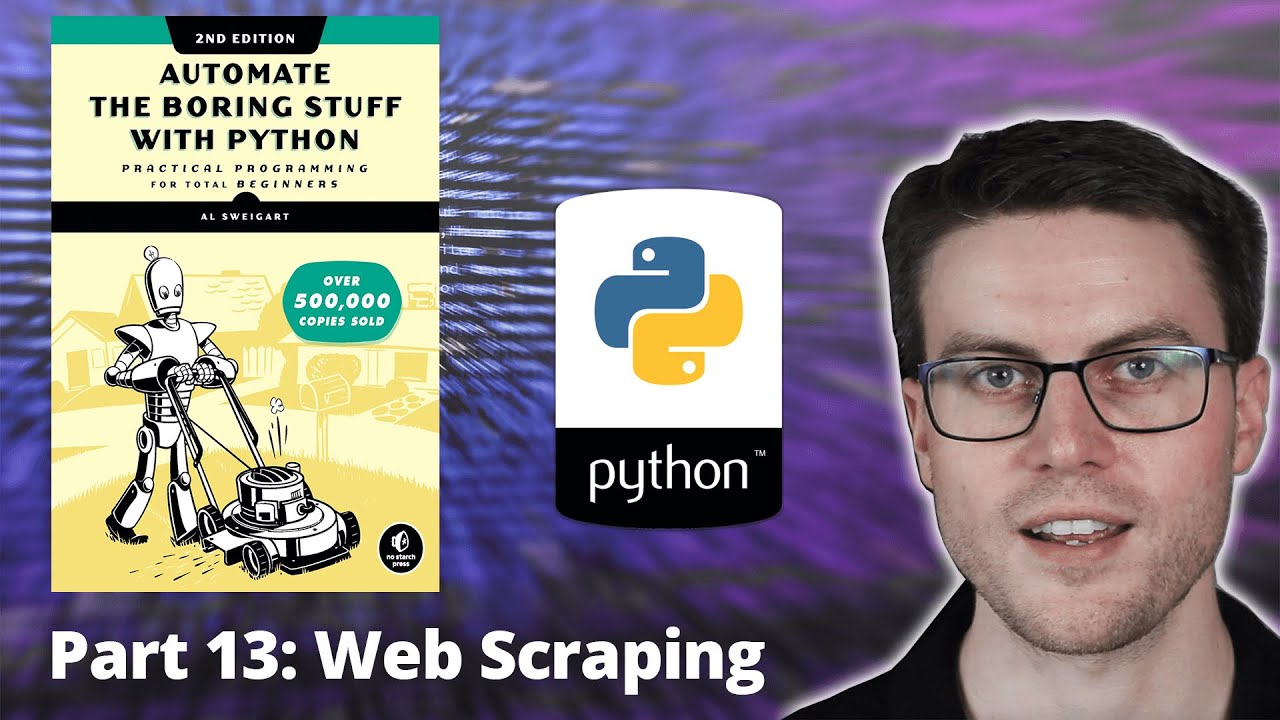
We cover chapter 12 of the book Automate the boring stuff with Python by Al Sweigart - covering web scraping in Python.
Follow along to learn Python programming and make your life easier with automation.
Link to book (Amazon): https://amzn.to/3DY0C1G
Read for free online: https://automatetheboringstuff.com/2e/chapter12/
Music (Epidemic sound): https://bit.ly/3JD0PZk
Song: The Uneven Path - Trevor Kowalski
Timestamps:
0:00 - Introduction
0:32 - Project: Easily show addresses in Google Maps with the Webbrowser module
04:12 - Downloading Files from the Web with the Requests Module
08:19 - Parsing HTML with the Beautiful Soup Module
12:16 - Project: Downloading all XKCD Comics
14:46 - Controlling the Browser with the Selenium Module
18:35 - Practice Questions
If you encounter the error message "'geckodriver' executable must be in PATH", download Geckodriver manually from https://github.com/mozilla/geckodriver/releases and add it to system's path.
Instructions on how to add to PATH variable in Windows: https://helpdeskgeek.com/windows-10/add-windows-path-environment-variable/
We cover chapter 12 of the book Automate the boring stuff with Python by Al Sweigart - covering web scraping in Python.
Follow along to learn Python programming and make your life easier with automation.
Link to book (Amazon): https://amzn.to/3DY0C1G
Read for free online: https://automatetheboringstuff.com/2e/chapter12/
Music (Epidemic sound): https://bit.ly/3JD0PZk
Song: The Uneven Path - Trevor Kowalski
Timestamps:
0:00 - Introduction
0:32 - Project: Easily show addresses in Google Maps with the Webbrowser module
04:12 - Downloading Files from the Web with the Requests Module
08:19 - Parsing HTML with the Beautiful Soup Module
12:16 - Project: Downloading all XKCD Comics
14:46 - Controlling the Browser with the Selenium Module
18:35 - Practice Questions
If you encounter the error message "'geckodriver' executable must be in PATH", download Geckodriver manually from https://github.com/mozilla/geckodriver/releases and add it to system's path.
Instructions on how to add to PATH variable in Windows: https://helpdeskgeek.com/windows-10/add-windows-path-environment-variable/
Tags and Topics
Browse our collection to discover more content in these categories.
Video Information
Views
5.7K
Likes
70
Duration
24:10
Published
May 12, 2022
User Reviews
4.4
(1) Related Trending Topics
LIVE TRENDSRelated trending topics. Click any trend to explore more videos.
No specific trending topics match this video yet.
Explore All Trends