AutoCAD 2D & 3D Training in Hyderabad 🖥️
Join SmartCAD Hyderabad for expert AutoCAD training, live projects, and 100% placement assistance in 2D & 3D design.
Smartcad India Official
563.0K views • May 21, 2025
About this video
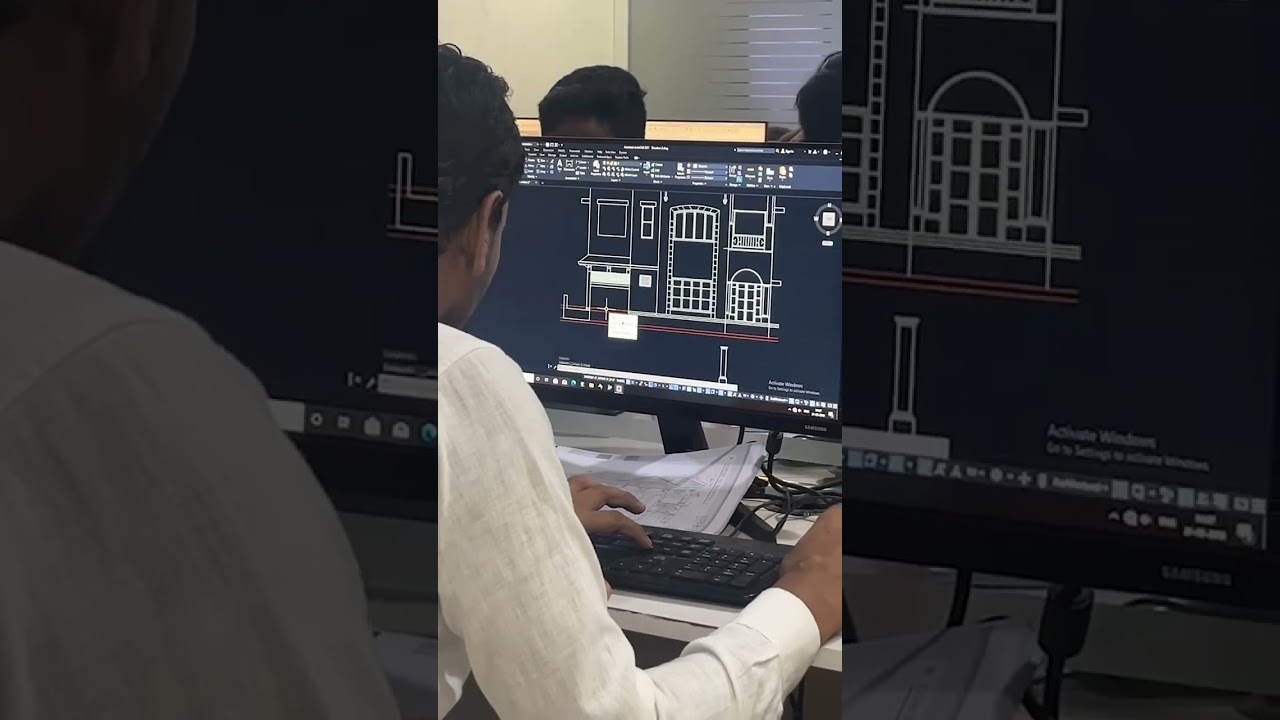
SmartCAD Hyderabad is the best AutoCAD training institute in Hyderabad with live projects training and 100% placement assistance. We offer AutoCAD software training from basics to advanced level from industry experts as per industry needs. Start your career with SmartCAD Hyderabad
AutoCAD Course Content
Module 1: Introduction to AutoCAD
What is AutoCAD
Applications of AutoCAD in various industries
AutoCAD interface and workspace
Creating and managing drawing files
Understanding coordinate systems
Module 2: Basic Drawing Tools
Line, Circle, Arc, Rectangle, Polygon, Ellipse
Using Object Snaps (OSNAP)
Polar tracking and Ortho mode
Grids and guidelines
Module 3: Editing Tools
Move, Copy, Rotate, Scale
Trim, Extend, Offset, Mirror, Fillet, Chamfer
Explode and Join
Undo and Redo
Module 4: Object Properties and Layers
Using Layers effectively
Layer properties and management
Changing object properties (Color, Line type, Line weight)
Module 5: Precision Drawing Tools
Using Snap and Grid
Object Snap Settings (Endpoint, Midpoint, Intersection, etc.)
Dynamic Input and Tracking
Drawing with precision using coordinates
Module 6: Text and Annotation
Adding Single Line and Multiline Text
Formatting Text
Creating and using Dimensions
Dimension styles and settings
Leaders and Multileader
Module 7: Blocks and Groups
Creating and inserting blocks
Dynamic blocks
Grouping and ungrouping objects
WBLOCK (Writing blocks to external files)
Module 8: Hatching and Gradients
Applying hatch patterns
Hatch editing and scaling
Gradient fills
Module 9: Layouts and Printing
Model space vs Paper space
Creating layouts and viewports
Plotting and printing drawings
Plot styles and page setup
Module 10: Introduction to 3D Modeling (Optional / Advanced)
3D modeling workspace
Creating 3D objects (Box, Cylinder, Sphere, etc.)
Extrude, Revolve, Loft, Sweep
3D Modify tools (Union, Subtract, Intersect)
Viewports and visual styles
Rendering basics
Module 11: Project Work
Real-time drawing projects (e.g., floor plan, mechanical parts)
Industry-specific assignments (civil, mechanical, electrical)
SmartCAD Hyderabad will make you zero to hero in AutoCAD software
For more career guidance regarding Autocad course training feel free to contact us and ask for a free demo session.
Contact us at: 9390612347
Visit us at: www.smartcadindia.com
Interested in join the course: forms.gle/hxRzZvuAKVC8W8WK7
#engineering #hyderabad #cadtraining #career #job #autocad #mechanicalengineering #3dmodeling #solidworkstraining #autocadtraining #shortsviral
AutoCAD Course Content
Module 1: Introduction to AutoCAD
What is AutoCAD
Applications of AutoCAD in various industries
AutoCAD interface and workspace
Creating and managing drawing files
Understanding coordinate systems
Module 2: Basic Drawing Tools
Line, Circle, Arc, Rectangle, Polygon, Ellipse
Using Object Snaps (OSNAP)
Polar tracking and Ortho mode
Grids and guidelines
Module 3: Editing Tools
Move, Copy, Rotate, Scale
Trim, Extend, Offset, Mirror, Fillet, Chamfer
Explode and Join
Undo and Redo
Module 4: Object Properties and Layers
Using Layers effectively
Layer properties and management
Changing object properties (Color, Line type, Line weight)
Module 5: Precision Drawing Tools
Using Snap and Grid
Object Snap Settings (Endpoint, Midpoint, Intersection, etc.)
Dynamic Input and Tracking
Drawing with precision using coordinates
Module 6: Text and Annotation
Adding Single Line and Multiline Text
Formatting Text
Creating and using Dimensions
Dimension styles and settings
Leaders and Multileader
Module 7: Blocks and Groups
Creating and inserting blocks
Dynamic blocks
Grouping and ungrouping objects
WBLOCK (Writing blocks to external files)
Module 8: Hatching and Gradients
Applying hatch patterns
Hatch editing and scaling
Gradient fills
Module 9: Layouts and Printing
Model space vs Paper space
Creating layouts and viewports
Plotting and printing drawings
Plot styles and page setup
Module 10: Introduction to 3D Modeling (Optional / Advanced)
3D modeling workspace
Creating 3D objects (Box, Cylinder, Sphere, etc.)
Extrude, Revolve, Loft, Sweep
3D Modify tools (Union, Subtract, Intersect)
Viewports and visual styles
Rendering basics
Module 11: Project Work
Real-time drawing projects (e.g., floor plan, mechanical parts)
Industry-specific assignments (civil, mechanical, electrical)
SmartCAD Hyderabad will make you zero to hero in AutoCAD software
For more career guidance regarding Autocad course training feel free to contact us and ask for a free demo session.
Contact us at: 9390612347
Visit us at: www.smartcadindia.com
Interested in join the course: forms.gle/hxRzZvuAKVC8W8WK7
#engineering #hyderabad #cadtraining #career #job #autocad #mechanicalengineering #3dmodeling #solidworkstraining #autocadtraining #shortsviral
Tags and Topics
Browse our collection to discover more content in these categories.
Video Information
Views
563.0K
Likes
8.4K
Duration
0:17
Published
May 21, 2025
User Reviews
4.7
(112) Related Trending Topics
LIVE TRENDSRelated trending topics. Click any trend to explore more videos.
No specific trending topics match this video yet.
Explore All Trends