Android Phone Tips: Saving Web Images to Your Device
The Best Buy Mobile team demonstrates how to save an image from the web to your Android phone. Learn the simple steps to identify and save your desired pictures.
BestBuyTipsAndTricks
2.3K views • Apr 26, 2010
About this video
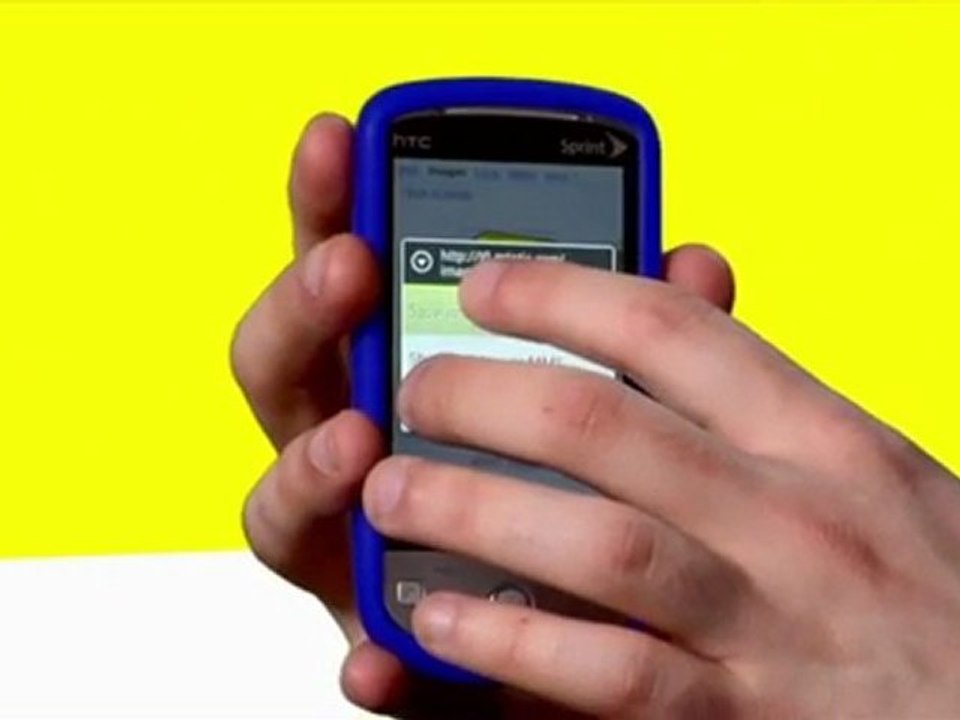
http://www.bestbuymobile.com<br />The Best Buy Mobile team shows what you can do with an image from the web. After identifying what picture you want, click and hold for three seconds until a drop down menu appears. You will have options to save to phone, send via MMS or email photo. <br /><br />Hi I’m Dave from Best Buy Mobile in Union Square, Manhattan and today I’m gonna show you how to save an image from your web browser on your HTC Hero to your phones memory. Here I’ve search of the images of the Best Buy logo. So I click the one I want. Gonna press the image and hold it for 3 seconds. This Po-up appears, give me the choice of either saving the image to my phone, sending it via picture message, or even sending an email with the picture in it to whoever I want. We’re just gonna save it to the phone by clicking the image, hitting Ok. And there it is. I can do whatever I want with it, like make it my wallpaper, send it later or even just email it to friends and family.
Video Information
Views
2.3K
Duration
0:46
Published
Apr 26, 2010
User Reviews
3.7
(2) Related Trending Topics
LIVE TRENDSRelated trending topics. Click any trend to explore more videos.
No specific trending topics match this video yet.
Explore All Trends