Amazon Elastic File System (EFS) Tutorial - 02 Mounting EFS File System in EC2 Instance
After you've created Amazon EFS file system, you will want to mount it in EC2 instance, so you can use it to store files. Amazon Elastic File System (Amazon...

Hendy Irawan Social Enterprise
1.6K views • Aug 31, 2019
About this video
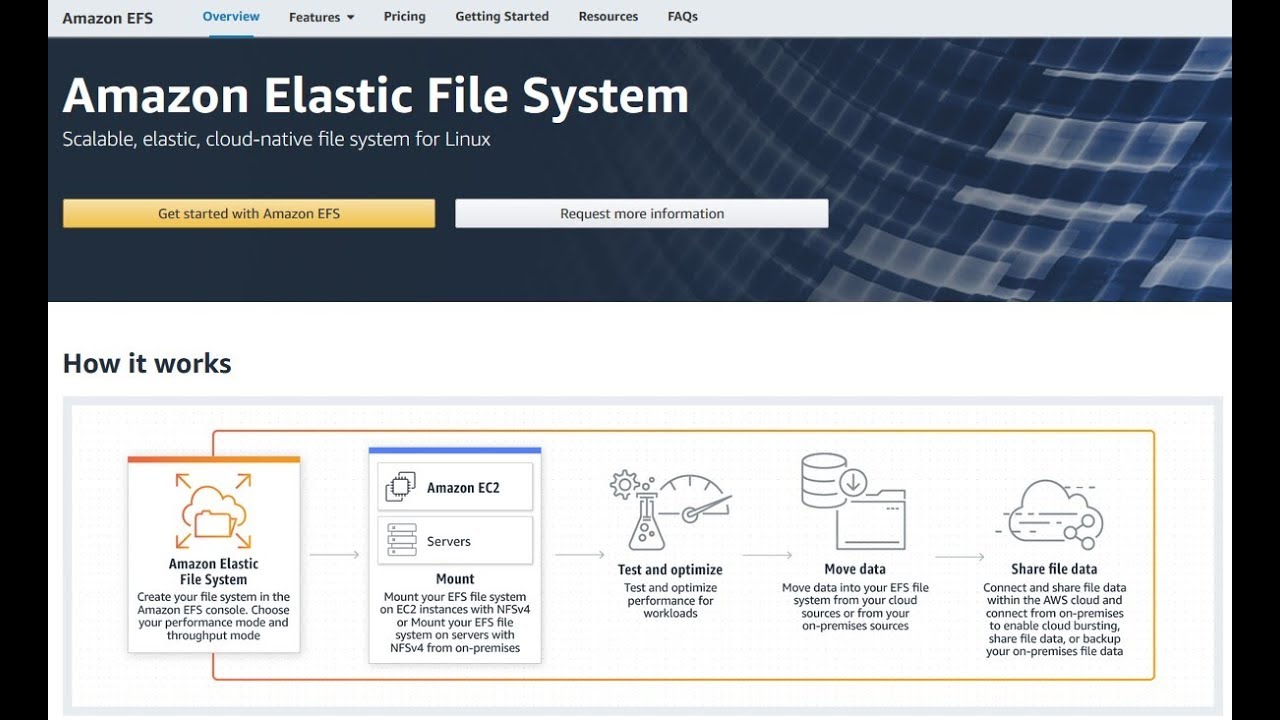
After you've created Amazon EFS file system, you will want to mount it in EC2 instance, so you can use it to store files.
Amazon Elastic File System (Amazon EFS) provides a simple, scalable, elastic file system for Linux-based workloads for use with AWS Cloud services and on-premises resources. It is built to scale on demand to petabytes without disrupting applications, growing and shrinking automatically as you add and remove files, so your applications have the storage they need – when they need it. It is designed to provide massively parallel shared access to thousands of Amazon EC2 instances, enabling your applications to achieve high levels of aggregate throughput and IOPS with consistent low latencies.
Check out Amazon EFS at https://aws.amazon.com/efs/
Amazon Elastic File System (Amazon EFS) provides a simple, scalable, elastic file system for Linux-based workloads for use with AWS Cloud services and on-premises resources. It is built to scale on demand to petabytes without disrupting applications, growing and shrinking automatically as you add and remove files, so your applications have the storage they need – when they need it. It is designed to provide massively parallel shared access to thousands of Amazon EC2 instances, enabling your applications to achieve high levels of aggregate throughput and IOPS with consistent low latencies.
Check out Amazon EFS at https://aws.amazon.com/efs/
Tags and Topics
Browse our collection to discover more content in these categories.
Video Information
Views
1.6K
Likes
1
Duration
8:01
Published
Aug 31, 2019
User Reviews
3.8
(1) Related Trending Topics
LIVE TRENDSRelated trending topics. Click any trend to explore more videos.
Trending Now