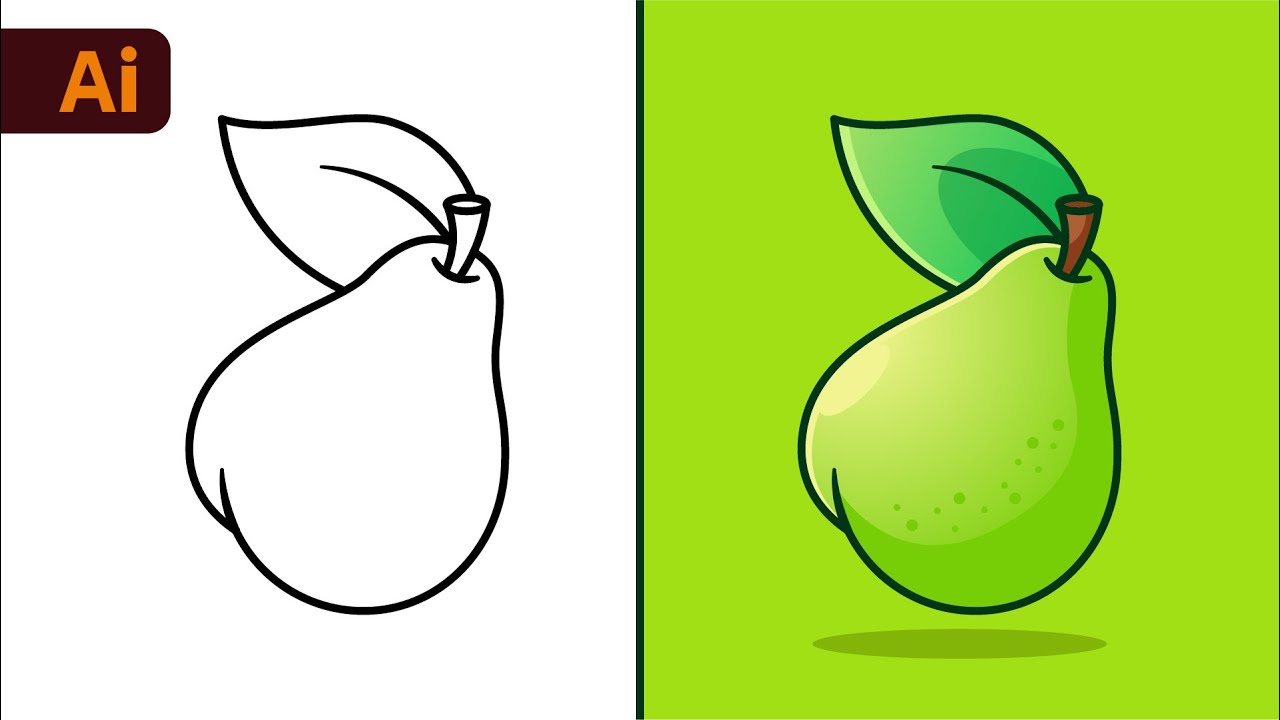
Learn How to Draw a Vector Pear in Adobe Illustrator – Easy Beginner Tutorial 🍐
Follow this simple step-by-step guide to create a realistic vector pear from a sketch in Adobe Illustrator CC 2022. Perfect for beginners looking to improve their digital illustration skills!

Dom Designs
154.8K views • Oct 11, 2022
About this video
#adobeillustrator #graphicdesign #digitalillustration
How to Create a Vector Pear from Sketch in Adobe Illustrator CC 2022
This video is easy and quick to learn for beginners and intermediate graphic designers looking to improve their skills in Adobe Illustrator CC using some of my tips and tricks.
You will learn step by step how to import a sketch into Illustrator. Then set it as a template. We will then create the main outlines using the pen tool, shape builder tool, curvature tool, pathfinder when merging as well as how I choose my colours and gradients with my custom colour palette.
BTW!! If you like the colour palette I have been using in my videos. I am happy to announce you can now purchase it on my Etsy shot for less than a cup of coffee. This will take all the headaches of having to test out a bunch of colours to see which ones work! Check out the link!
►Join the Dom Designs Club: https://www.youtube.com/channel/UC-BFZXMNnSe67KGhstf9jeg/join
►Get the Dom Designs Colour Palette: https://www.etsy.com/ca/listing/861174287/adobe-illustrator-domdesigns-color?ga_order=most_relevant&ga_search_type=all&ga_view_type=gallery&ga_search_query=domdesigns+colour+palette+adobe+illustrator&ref=sr_gallery-1-1&organic_search_click=1
Cheers!
Join this channel to get access to perks:
https://www.youtube.com/channel/UC-BFZXMNnSe67KGhstf9jeg/join
Music:
- Culture Code : Fairytale (ft. Amanda Collis)
How to Create a Vector Pear from Sketch in Adobe Illustrator CC 2022
This video is easy and quick to learn for beginners and intermediate graphic designers looking to improve their skills in Adobe Illustrator CC using some of my tips and tricks.
You will learn step by step how to import a sketch into Illustrator. Then set it as a template. We will then create the main outlines using the pen tool, shape builder tool, curvature tool, pathfinder when merging as well as how I choose my colours and gradients with my custom colour palette.
BTW!! If you like the colour palette I have been using in my videos. I am happy to announce you can now purchase it on my Etsy shot for less than a cup of coffee. This will take all the headaches of having to test out a bunch of colours to see which ones work! Check out the link!
►Join the Dom Designs Club: https://www.youtube.com/channel/UC-BFZXMNnSe67KGhstf9jeg/join
►Get the Dom Designs Colour Palette: https://www.etsy.com/ca/listing/861174287/adobe-illustrator-domdesigns-color?ga_order=most_relevant&ga_search_type=all&ga_view_type=gallery&ga_search_query=domdesigns+colour+palette+adobe+illustrator&ref=sr_gallery-1-1&organic_search_click=1
Cheers!
Join this channel to get access to perks:
https://www.youtube.com/channel/UC-BFZXMNnSe67KGhstf9jeg/join
Music:
- Culture Code : Fairytale (ft. Amanda Collis)
Tags and Topics
Browse our collection to discover more content in these categories.
Video Information
Views
154.8K
Likes
3.1K
Duration
7:52
Published
Oct 11, 2022
User Reviews
4.7
(30) Related Trending Topics
LIVE TRENDSRelated trending topics. Click any trend to explore more videos.
No specific trending topics match this video yet.
Explore All Trends