Adobe Acrobat: Binder vs. Portfolio Explained 📁
Learn the differences between Binders and Portfolios in Adobe Acrobat Pro and how to create each step-by-step.

Chris Menard
5.4K views • Jan 15, 2025
About this video
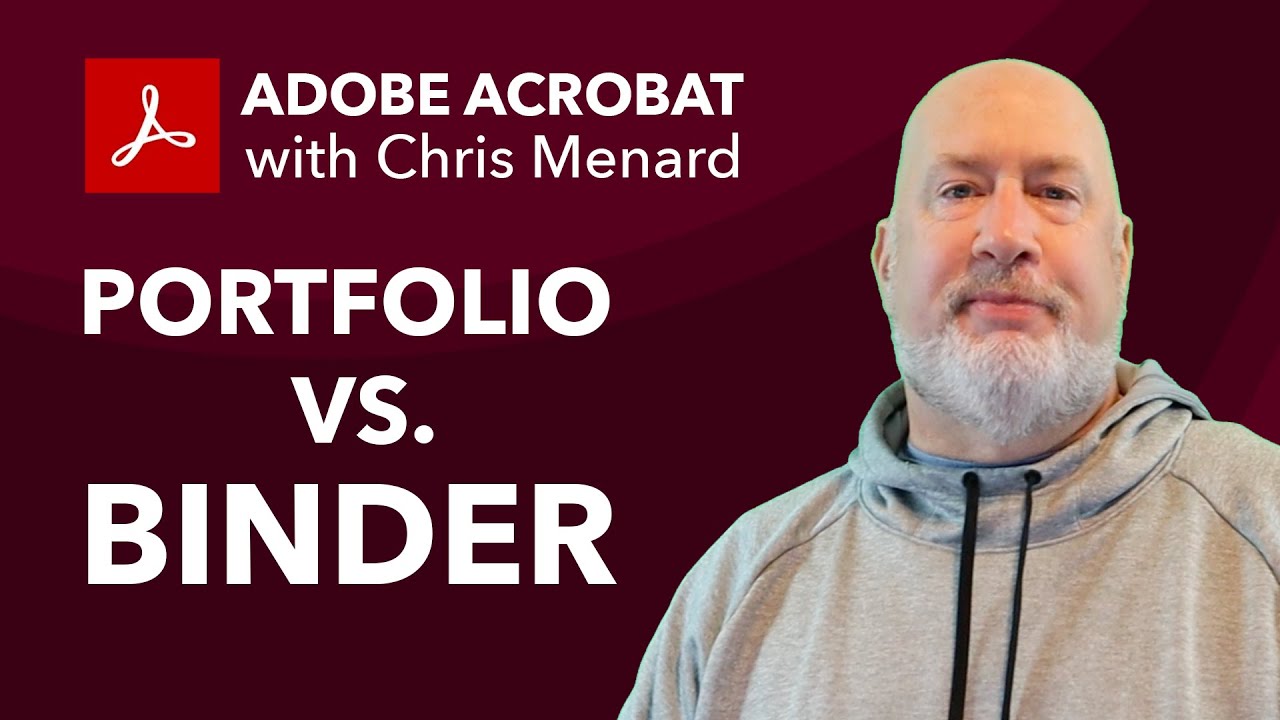
In this video, I explain the differences between a Binder and a Portfolio in Adobe Acrobat Pro and guide you step-by-step on how to create both. I start by showcasing the Binder, which merges various file types (Word, Excel, PDF) into a single PDF file. Next, I demonstrate the Portfolio feature, which keeps the original files separate within a single PDF container, allowing them to be opened in their native applications.
An Adobe Portfolio and an Adobe Binder are two different ways to combine multiple files into a single PDF, but they serve different purposes:
1. Adobe Portfolio:
o Structure: A portfolio is like a folder that holds multiple files within it. Each file remains in its original format and can be opened and viewed separately.
o Use Case: Ideal for when you need to keep different types of files (e.g., PDFs, Word documents, Excel spreadsheets) together but still want to maintain their individual formats and functionalities.
o Navigation: Users can navigate through the portfolio to access each file individually.
2. Adobe Binder:
o Structure: A binder combines multiple files into a single PDF document. All the files are converted into PDF pages and merged into one continuous document.
o Use Case: Useful when you want to create a single, cohesive document from multiple files, such as combining reports, presentations, and other documents into one file.
o Navigation: Users scroll through the combined PDF pages as they would with any other single PDF document.
In summary, use a portfolio when you need to keep files in their original formats and a binder when you want to merge everything into one continuous PDF file
00:00 Introduction to Adobe Acrobat: Portfolio vs Binder
00:31 Creating a Binder in Adobe Acrobat
03:15 Step-by-Step Guide to Making a Portfolio
04:56 Conclusion and Additional ResourcesAnd make sure you subscribe to my channel!
-- EQUIPMENT USED ---------------------------------
○ My camera – https://amzn.to/3vdgF5E
○ Microphone - https://amzn.to/3gphDXh
○ Camera tripod – https://amzn.to/3veN6Rg
○ Studio lights - https://amzn.to/3vaxyy5
○ Dual monitor mount stand - https://amzn.to/3vbZSjJ
○ Web camera – https://amzn.to/2Tg75Sn
○ Shock mount - https://amzn.to/3g96FGj
○ Boom Arm - https://amzn.to/3g8cNi6
-- SOFTWARE USED ---------------------------------
○ Screen recording – Camtasia – https://chrismenardtraining.com/camtasia
○ Screenshots – Snagit – https://chrismenardtraining.com/snagit
○ YouTube keyword search – TubeBuddy – https://www.tubebuddy.com/chrismenard
DISCLAIMER: Links included in this description might be affiliate links. If you purchase a product or service with the links I provide, I may receive a small commission. There is no additional charge to you! Thank you for supporting my channel, so I can continue to provide you with free content each week!
An Adobe Portfolio and an Adobe Binder are two different ways to combine multiple files into a single PDF, but they serve different purposes:
1. Adobe Portfolio:
o Structure: A portfolio is like a folder that holds multiple files within it. Each file remains in its original format and can be opened and viewed separately.
o Use Case: Ideal for when you need to keep different types of files (e.g., PDFs, Word documents, Excel spreadsheets) together but still want to maintain their individual formats and functionalities.
o Navigation: Users can navigate through the portfolio to access each file individually.
2. Adobe Binder:
o Structure: A binder combines multiple files into a single PDF document. All the files are converted into PDF pages and merged into one continuous document.
o Use Case: Useful when you want to create a single, cohesive document from multiple files, such as combining reports, presentations, and other documents into one file.
o Navigation: Users scroll through the combined PDF pages as they would with any other single PDF document.
In summary, use a portfolio when you need to keep files in their original formats and a binder when you want to merge everything into one continuous PDF file
00:00 Introduction to Adobe Acrobat: Portfolio vs Binder
00:31 Creating a Binder in Adobe Acrobat
03:15 Step-by-Step Guide to Making a Portfolio
04:56 Conclusion and Additional ResourcesAnd make sure you subscribe to my channel!
-- EQUIPMENT USED ---------------------------------
○ My camera – https://amzn.to/3vdgF5E
○ Microphone - https://amzn.to/3gphDXh
○ Camera tripod – https://amzn.to/3veN6Rg
○ Studio lights - https://amzn.to/3vaxyy5
○ Dual monitor mount stand - https://amzn.to/3vbZSjJ
○ Web camera – https://amzn.to/2Tg75Sn
○ Shock mount - https://amzn.to/3g96FGj
○ Boom Arm - https://amzn.to/3g8cNi6
-- SOFTWARE USED ---------------------------------
○ Screen recording – Camtasia – https://chrismenardtraining.com/camtasia
○ Screenshots – Snagit – https://chrismenardtraining.com/snagit
○ YouTube keyword search – TubeBuddy – https://www.tubebuddy.com/chrismenard
DISCLAIMER: Links included in this description might be affiliate links. If you purchase a product or service with the links I provide, I may receive a small commission. There is no additional charge to you! Thank you for supporting my channel, so I can continue to provide you with free content each week!
Video Information
Views
5.4K
Likes
62
Duration
5:31
Published
Jan 15, 2025
User Reviews
4.3
(1) Related Trending Topics
LIVE TRENDSRelated trending topics. Click any trend to explore more videos.
No specific trending topics match this video yet.
Explore All Trends