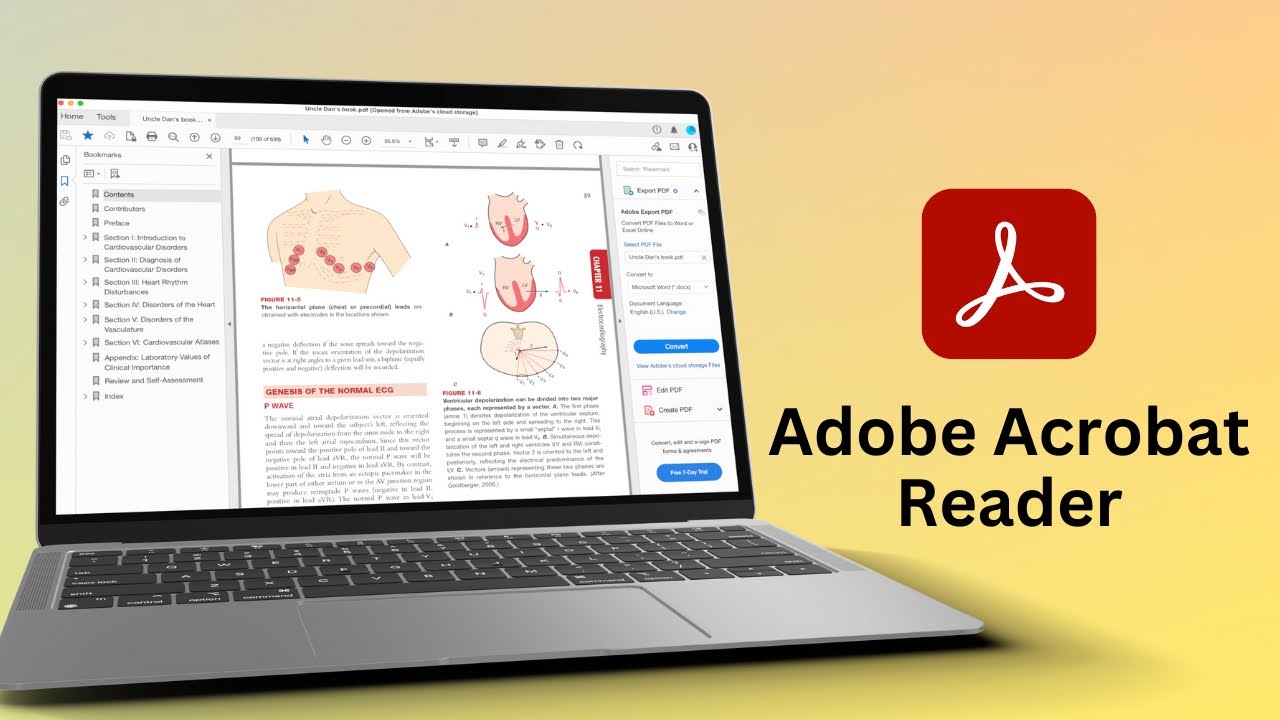
Adobe Acrobat Reader Free for Mac & Windows: Full Review & Features 📄
Discover everything you need to know about Adobe Acrobat Reader for Mac and Windows in our comprehensive review. Learn about features, usability, and tips to make the most of this popular PDF tool. Plus, explore our Udemy courses for Goodnotes 6 to enhanc

Paperless X
4.7K views • Nov 9, 2023
About this video
Check out our Udemy courses for:
Goodnotes 6: https://www.udemy.com/course/goodnotes-6-beginner-friendly-course/?referralCode=5A619DFF1AD1DA22359F
LiquidText: https://www.udemy.com/course/liquidtext-for-ipad-beginner-friendly-course/?referralCode=065BB658FE4C0EF97D7E
Notability: https://www.udemy.com/course/notability-14-beginner-friendly-course/?referralCode=0DDA63BD5696F6FCAA3B Paperless X is supported by:
1. Google ads
2. Developers who love our work:
LiquidText: https://apple.co/2FleR1M
Noteful: https://apple.co/3nr0XDt
Kyoku Flashcards: https://apple.co/3CuFFcp
3. Our Patrons who love our work
How you can support us:
Fantastic human sticker app: https://apple.co/4amsdsL
Patreon (user guides and course): https://www.patreon.com/PaperlessStudent
Digital stationery: https://www.patreon.com/paperlessstudent/shop
Subscribe to our second channel for free courses: https://www.youtube.com/@PaperlessHumans
Visit our website: https://beingpaperless.com
Our affiliate links (we get a commission when you purchase through them, at no extra cost on your part):
Notion: https://affiliate.notion.so/w073g2nqipx8
Quillbot: https://try.quillbot.com/lr932gpy8ols
Todoist: https://get.todoist.io/dyu0l4yqxyz5-pricing
#review #app #pdf
Time stamps
0:00 Introduction
0:35 Pricing
1:06 User interface
3:30 Highlight, underline and strikeout
5:50 Text
10:54 Shapes
13:17 Stamps
14:42 Attachments
17:05 Comments
19:10 Collaboration
19:44 Fill and sign
22:39 Measure
23:34 Page navigation
27:03 Organisation
28:14 Searching
29:21 Verdict
Goodnotes 6: https://www.udemy.com/course/goodnotes-6-beginner-friendly-course/?referralCode=5A619DFF1AD1DA22359F
LiquidText: https://www.udemy.com/course/liquidtext-for-ipad-beginner-friendly-course/?referralCode=065BB658FE4C0EF97D7E
Notability: https://www.udemy.com/course/notability-14-beginner-friendly-course/?referralCode=0DDA63BD5696F6FCAA3B Paperless X is supported by:
1. Google ads
2. Developers who love our work:
LiquidText: https://apple.co/2FleR1M
Noteful: https://apple.co/3nr0XDt
Kyoku Flashcards: https://apple.co/3CuFFcp
3. Our Patrons who love our work
How you can support us:
Fantastic human sticker app: https://apple.co/4amsdsL
Patreon (user guides and course): https://www.patreon.com/PaperlessStudent
Digital stationery: https://www.patreon.com/paperlessstudent/shop
Subscribe to our second channel for free courses: https://www.youtube.com/@PaperlessHumans
Visit our website: https://beingpaperless.com
Our affiliate links (we get a commission when you purchase through them, at no extra cost on your part):
Notion: https://affiliate.notion.so/w073g2nqipx8
Quillbot: https://try.quillbot.com/lr932gpy8ols
Todoist: https://get.todoist.io/dyu0l4yqxyz5-pricing
#review #app #pdf
Time stamps
0:00 Introduction
0:35 Pricing
1:06 User interface
3:30 Highlight, underline and strikeout
5:50 Text
10:54 Shapes
13:17 Stamps
14:42 Attachments
17:05 Comments
19:10 Collaboration
19:44 Fill and sign
22:39 Measure
23:34 Page navigation
27:03 Organisation
28:14 Searching
29:21 Verdict
Tags and Topics
Browse our collection to discover more content in these categories.
Video Information
Views
4.7K
Likes
45
Duration
30:19
Published
Nov 9, 2023
User Reviews
4.2
(4) Related Trending Topics
LIVE TRENDSRelated trending topics. Click any trend to explore more videos.
No specific trending topics match this video yet.
Explore All Trends