Add App Shortcuts to Windows 11 Desktop 🖥️
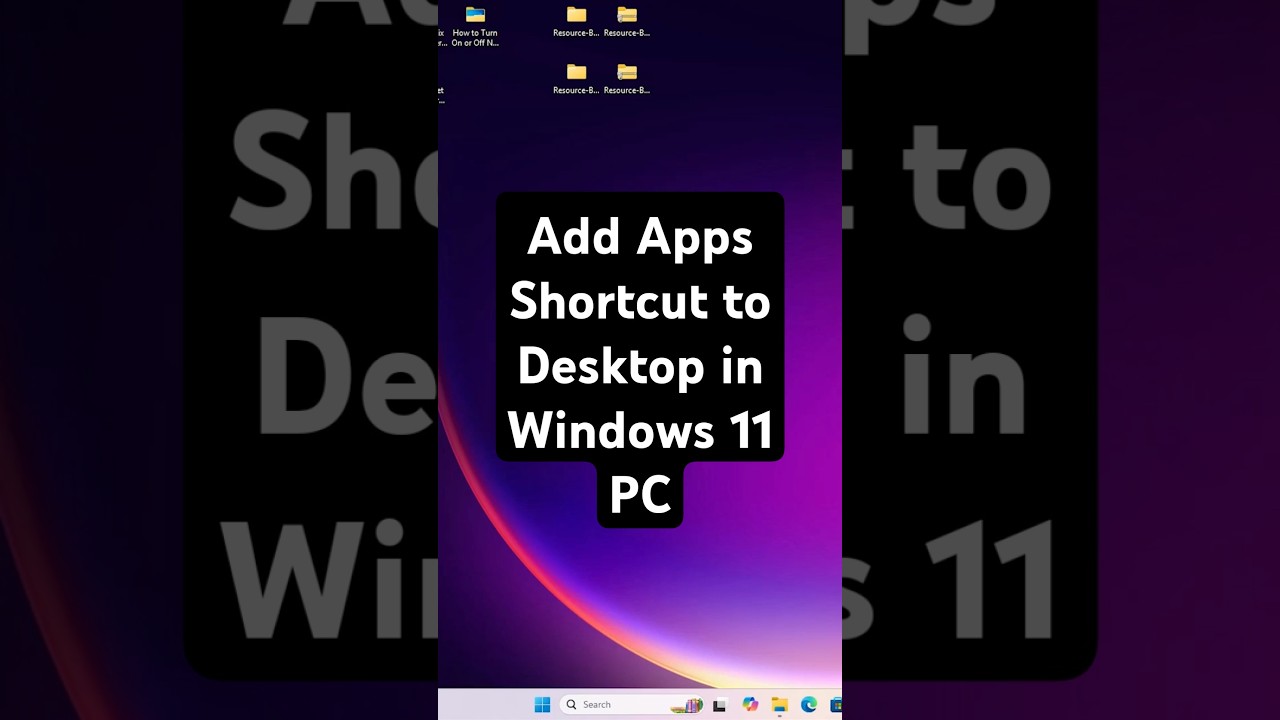
Learn how to quickly add app shortcuts to your Windows 11 desktop using a simple drag-and-drop method in this easy guide.

Discover You
462.5K views • May 10, 2025
About this video
In this simple and quick video, learn how to add app shortcuts to the desktop in Windows 11 using the easiest drag and drop method. Whether you're trying to create a shortcut for apps like Chrome, Word, Excel, or any other installed application, this tutorial will help you pin it directly to your desktop.
🧩 Steps Covered:
Click on the Start button
Click on All Apps
Find the app you want
Drag and drop the app to the desktop
That’s it! Your shortcut will now appear on the desktop for easy access.
💻 Works On:
Windows 11 PC
Windows 11 Laptop
Windows 11 Home & Pro
🎯 Perfect For:
Beginners
New Windows 11 users
Productivity & Quick Access Tips
🔧 No third-party software needed!
✅ Don't forget to Like 👍 | Share ↗️ | and Subscribe 🔔 for more Windows 11 tips.
🧩 Steps Covered:
Click on the Start button
Click on All Apps
Find the app you want
Drag and drop the app to the desktop
That’s it! Your shortcut will now appear on the desktop for easy access.
💻 Works On:
Windows 11 PC
Windows 11 Laptop
Windows 11 Home & Pro
🎯 Perfect For:
Beginners
New Windows 11 users
Productivity & Quick Access Tips
🔧 No third-party software needed!
✅ Don't forget to Like 👍 | Share ↗️ | and Subscribe 🔔 for more Windows 11 tips.
Tags and Topics
Browse our collection to discover more content in these categories.
Video Information
Views
462.5K
Likes
3.0K
Duration
0:23
Published
May 10, 2025
User Reviews
4.3
(92) Related Trending Topics
LIVE TRENDSRelated trending topics. Click any trend to explore more videos.