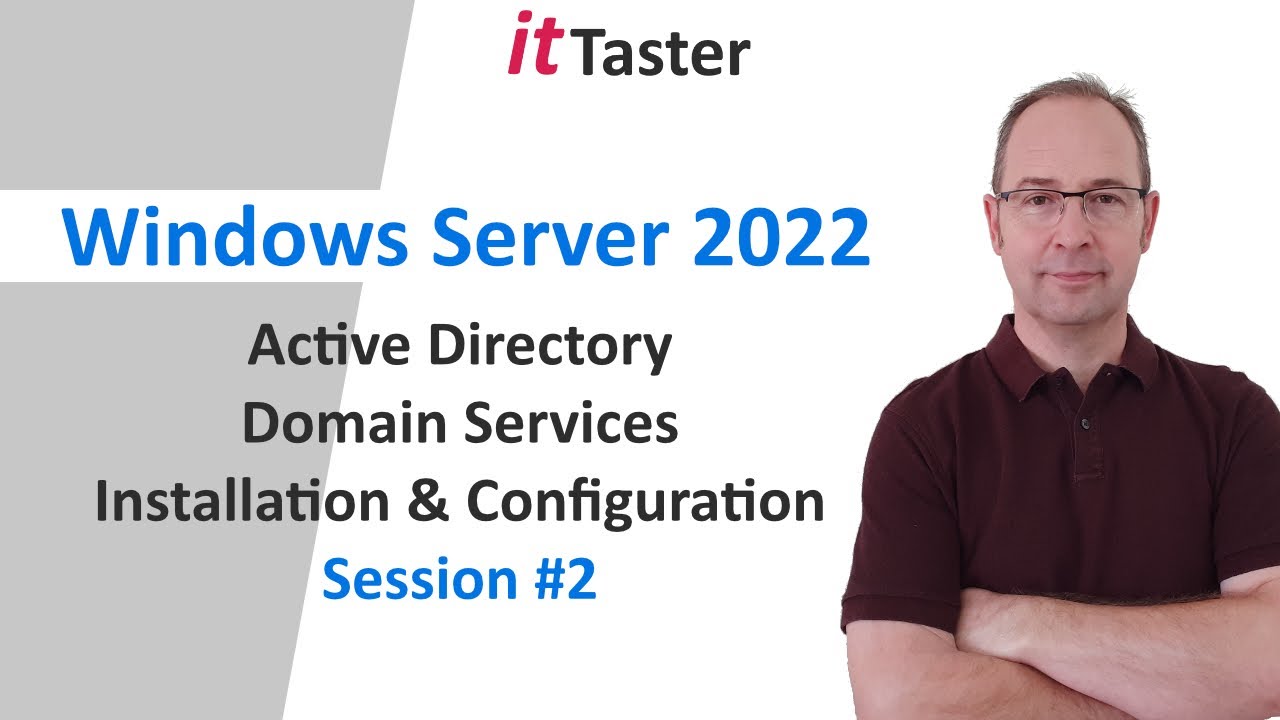
AD DS Setup & Configuration on Windows Server 2022
Learn to install and configure Active Directory Domain Services on Windows Server 2022 in this session. 🔧

ittaster
91.1K views • Nov 29, 2021
About this video
In this ittaster session you'll learn how to install & configuration Active Directory Domain Services (AD DS) with Microsoft Windows Server 2022 in your test lab.
Microsoft Windows Server 2022 is extremely versatile, incorporating hybrid capabilities with Microsoft Azure Cloud solution. Active Directory Domain Services enables us to build a scalable, centrally managed enterprise network. It is the corner stone that provides Access and Identity Management (IAM), in an on premises Microsoft Windows Server network.
Topics / skills covered
------------------------------------
1. Install the 'Active Directory Domain Services' role using the 'Add Roles & Features Wizard'
2. Promote the server to a 'Domain Controller (DC)'
3. Add a new 'Forest' specify the 'Forest Root Domain Name'.
4. Selecting forest and domain functional levels
5. Automatically install the DNS role
6. Completing the installation of Active Directory Domain Services
7. In the final part of the video, we log into our newly created domain controller (DC) and verify the installation from within server manager.
Useful links
-------------------
Windows Server 2022 - Installation & Configuration | Session 1
https://youtu.be/PwAsvSyv5mo
Active Directory Domain Services For Beginners
https://youtu.be/7uLhJ236VD8
#WindowsServer #WindowsServer2022 #ittaster @it_taster
Say hi on social media!
Twitter: https://twitter.com/it_taster
Instagram: https://www.instagram.com/it_taster
Facebook: https://www.facebook.com/people/Ittaster/61566771442938/
Microsoft Windows Server 2022 is extremely versatile, incorporating hybrid capabilities with Microsoft Azure Cloud solution. Active Directory Domain Services enables us to build a scalable, centrally managed enterprise network. It is the corner stone that provides Access and Identity Management (IAM), in an on premises Microsoft Windows Server network.
Topics / skills covered
------------------------------------
1. Install the 'Active Directory Domain Services' role using the 'Add Roles & Features Wizard'
2. Promote the server to a 'Domain Controller (DC)'
3. Add a new 'Forest' specify the 'Forest Root Domain Name'.
4. Selecting forest and domain functional levels
5. Automatically install the DNS role
6. Completing the installation of Active Directory Domain Services
7. In the final part of the video, we log into our newly created domain controller (DC) and verify the installation from within server manager.
Useful links
-------------------
Windows Server 2022 - Installation & Configuration | Session 1
https://youtu.be/PwAsvSyv5mo
Active Directory Domain Services For Beginners
https://youtu.be/7uLhJ236VD8
#WindowsServer #WindowsServer2022 #ittaster @it_taster
Say hi on social media!
Twitter: https://twitter.com/it_taster
Instagram: https://www.instagram.com/it_taster
Facebook: https://www.facebook.com/people/Ittaster/61566771442938/
Tags and Topics
Browse our collection to discover more content in these categories.
Video Information
Views
91.1K
Likes
2.0K
Duration
13:02
Published
Nov 29, 2021
User Reviews
4.7
(18) Related Trending Topics
LIVE TRENDSRelated trending topics. Click any trend to explore more videos.
Trending Now