5 Hacker Secrets to Encrypt Passwords 🔐
Discover 5 expert techniques hackers use daily to encrypt passwords and enhance cybersecurity. Stay protected!

Hacker Insight
845 views • Aug 15, 2025
About this video
5 Secrets Pro Hackers Use to Encrypt Passwords Daily | #hackerinsight #kalilinux #hacks #bugbounty
#Cybersecurity2025 #HackerTutorial #EncryptPasswords #WebCryptoAPI #KaliLinux #EthicalHacking #SecureCoding #PasswordSecurity #HackerInsight #Cryptography
Welcome to the ultimate guide on securing passwords like a pro hacker! In this video, HackerInsight demonstrates how to encrypt and decrypt a password backup using JavaScript’s Web Crypto API on a local Kali Linux system. Perfect for beginners and pros, this step-by-step demo covers AES-GCM encryption, PBKDF2 key derivation, and a slick HTML interface. Subscribe for more cyber ops!
Timestamps:
00:00 - Intro: Hacker’s Lair
00:40 - Local Server Setup
01:20 - Encrypting Passwords
03:30 - Decrypting the Vault
05:30 - Code Breakdown
07:00 - Pro Tips & Ethics
07:45 - Outro: Next Video Teaser
What You’ll Learn
Encrypt sensitive credentials into a secure backup.
Decrypt data with a master password.
Use Web Crypto API for hacker-grade security.
Run everything locally on Kali Linux.
Understand the JavaScript code behind the demo.
Apply pro hacker tips for secure password management.
Step-by-Step Demo
Setup
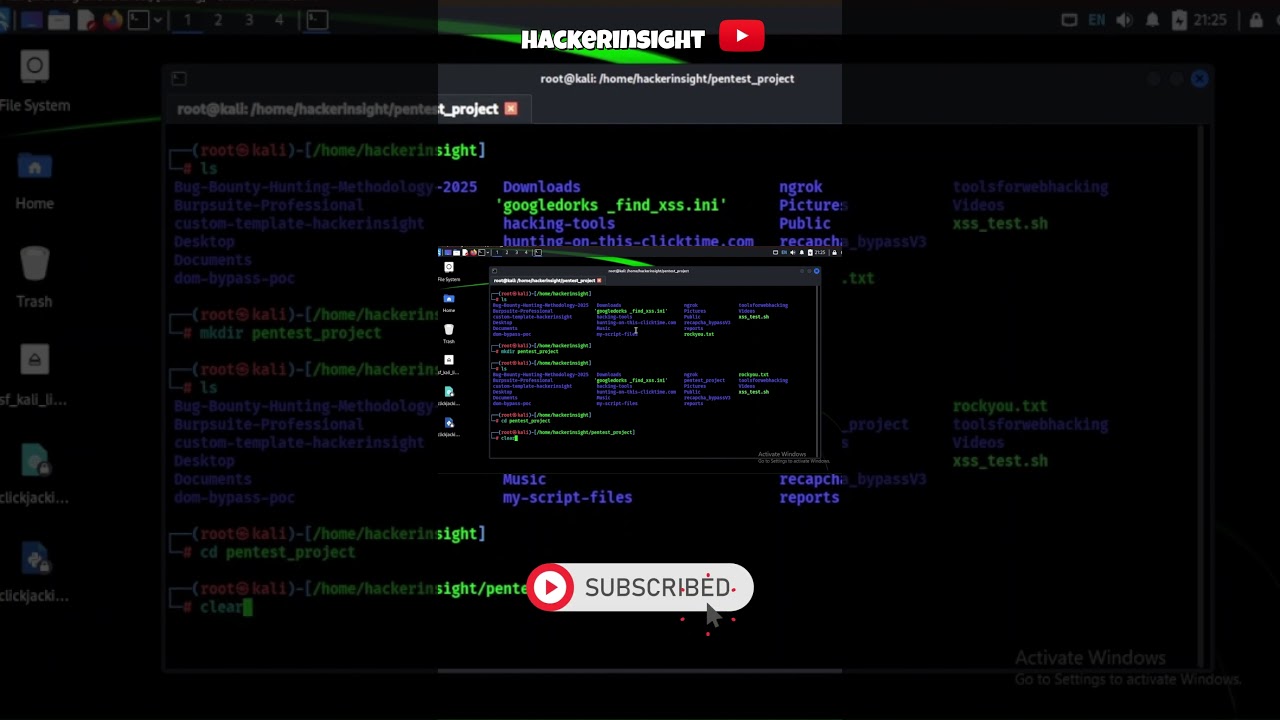
On Kali Linux, we navigate to pentest_project and run python3 -m http.server to host password_demo.html at localhost:8000.
Encryption
In the browser:
Enter JSON credentials (e.g., [{"site":"example.com","user":"alice","pass":"p@ss"}]).
Set a master password.
Click “Encrypt & Download Backup” to generate password-backup.enc.json using AES-GCM and PBKDF2.
Decryption
Select the encrypted file.
Enter the master password.
Decrypt to reveal the original JSON or get an error if the password’s wrong.
Code Breakdown
The HTML app uses:
HTML: Textarea, password input, and buttons.
JavaScript: crypto.subtle for PBKDF2 and AES-GCM.
Security: Random salt and IV for unique encryptions.
Why This Matters in 2025
With cyber threats rising, local encryption is key. This demo uses browser-native cryptography, perfect for pentesters and developers.
Pro Tips
Use 20+ character passwords.
Store keys in a secure vault.
Keep it local to avoid leaks.
Test ethically on your own systems.
Engage with Us
Comment your favorite crypto tool or share your demo results! Like, share, and subscribe for weekly tutorials. Our next video reveals secrets no one’s talking about—don’t miss it! [Insert Playlist Link]
History: Cryptography evolved from ancient ciphers to AES-GCM. Web Crypto API (2014) enables secure browser coding.
Why Local?: Cloud breaches (e.g., 2024 MegaCloud hack) make local encryption critical.
JavaScript’s Role: Web Crypto API supports SHA-256, AES, and more, ideal for secure prototypes.
Kali Linux: Perfect for pentesting with tools like Nmap and Metasploit.
SEO Tips: Keywords like “encrypt passwords” and timestamps boost ranking.
Avoid Mistakes: Use strong passwords, avoid keyword stuffing, and test ethically.
Tools: Try TubeBuddy, OWASP ZAP, or Bitwarden to level up.
Future Videos: Nmap scanning, Burp Suite pentesting, secure APIs.
Subscribe to HackerInsight for more! Share your ideas below—what’s next?
Tags
encrypt passwords
decrypt passwords
hacker tutorial
cybersecurity 2025
Web Crypto API
AES-GCM encryption
PBKDF2 key derivation
Kali Linux tutorial
secure coding
JavaScript cryptography
password backup
ethical hacking
pentesting 2025
local encryption
hacker demo
Hashtags
#Cybersecurity2025 #HackerTutorial #EncryptPasswords #WebCryptoAPI #KaliLinux #EthicalHacking #SecureCoding #PasswordSecurity #HackerInsight #cryptography
__________________________________________________
Disclaimer: This video is for educational purposes only. We do not encourage or support any illegal activities. Always use these techniques responsibly and only on systems you have permission to test.
#Cybersecurity2025 #HackerTutorial #EncryptPasswords #WebCryptoAPI #KaliLinux #EthicalHacking #SecureCoding #PasswordSecurity #HackerInsight #Cryptography
Welcome to the ultimate guide on securing passwords like a pro hacker! In this video, HackerInsight demonstrates how to encrypt and decrypt a password backup using JavaScript’s Web Crypto API on a local Kali Linux system. Perfect for beginners and pros, this step-by-step demo covers AES-GCM encryption, PBKDF2 key derivation, and a slick HTML interface. Subscribe for more cyber ops!
Timestamps:
00:00 - Intro: Hacker’s Lair
00:40 - Local Server Setup
01:20 - Encrypting Passwords
03:30 - Decrypting the Vault
05:30 - Code Breakdown
07:00 - Pro Tips & Ethics
07:45 - Outro: Next Video Teaser
What You’ll Learn
Encrypt sensitive credentials into a secure backup.
Decrypt data with a master password.
Use Web Crypto API for hacker-grade security.
Run everything locally on Kali Linux.
Understand the JavaScript code behind the demo.
Apply pro hacker tips for secure password management.
Step-by-Step Demo
Setup
On Kali Linux, we navigate to pentest_project and run python3 -m http.server to host password_demo.html at localhost:8000.
Encryption
In the browser:
Enter JSON credentials (e.g., [{"site":"example.com","user":"alice","pass":"p@ss"}]).
Set a master password.
Click “Encrypt & Download Backup” to generate password-backup.enc.json using AES-GCM and PBKDF2.
Decryption
Select the encrypted file.
Enter the master password.
Decrypt to reveal the original JSON or get an error if the password’s wrong.
Code Breakdown
The HTML app uses:
HTML: Textarea, password input, and buttons.
JavaScript: crypto.subtle for PBKDF2 and AES-GCM.
Security: Random salt and IV for unique encryptions.
Why This Matters in 2025
With cyber threats rising, local encryption is key. This demo uses browser-native cryptography, perfect for pentesters and developers.
Pro Tips
Use 20+ character passwords.
Store keys in a secure vault.
Keep it local to avoid leaks.
Test ethically on your own systems.
Engage with Us
Comment your favorite crypto tool or share your demo results! Like, share, and subscribe for weekly tutorials. Our next video reveals secrets no one’s talking about—don’t miss it! [Insert Playlist Link]
History: Cryptography evolved from ancient ciphers to AES-GCM. Web Crypto API (2014) enables secure browser coding.
Why Local?: Cloud breaches (e.g., 2024 MegaCloud hack) make local encryption critical.
JavaScript’s Role: Web Crypto API supports SHA-256, AES, and more, ideal for secure prototypes.
Kali Linux: Perfect for pentesting with tools like Nmap and Metasploit.
SEO Tips: Keywords like “encrypt passwords” and timestamps boost ranking.
Avoid Mistakes: Use strong passwords, avoid keyword stuffing, and test ethically.
Tools: Try TubeBuddy, OWASP ZAP, or Bitwarden to level up.
Future Videos: Nmap scanning, Burp Suite pentesting, secure APIs.
Subscribe to HackerInsight for more! Share your ideas below—what’s next?
Tags
encrypt passwords
decrypt passwords
hacker tutorial
cybersecurity 2025
Web Crypto API
AES-GCM encryption
PBKDF2 key derivation
Kali Linux tutorial
secure coding
JavaScript cryptography
password backup
ethical hacking
pentesting 2025
local encryption
hacker demo
Hashtags
#Cybersecurity2025 #HackerTutorial #EncryptPasswords #WebCryptoAPI #KaliLinux #EthicalHacking #SecureCoding #PasswordSecurity #HackerInsight #cryptography
__________________________________________________
Disclaimer: This video is for educational purposes only. We do not encourage or support any illegal activities. Always use these techniques responsibly and only on systems you have permission to test.
Tags and Topics
Browse our collection to discover more content in these categories.
Video Information
Views
845
Likes
7
Duration
1:00
Published
Aug 15, 2025
Related Trending Topics
LIVE TRENDSRelated trending topics. Click any trend to explore more videos.
No specific trending topics match this video yet.
Explore All Trends