5/5 Programmatically Create a Custom UIButton in Code with Objective-C
5/5 Programmatically Create a Custom UIButton in Code with Objective-C You can create a UIButton in code following these simple steps. Make sure you create ...

Paul Solt
11.6K views • Jul 17, 2014
About this video
5/5 Programmatically Create a Custom UIButton in Code with Objective-C
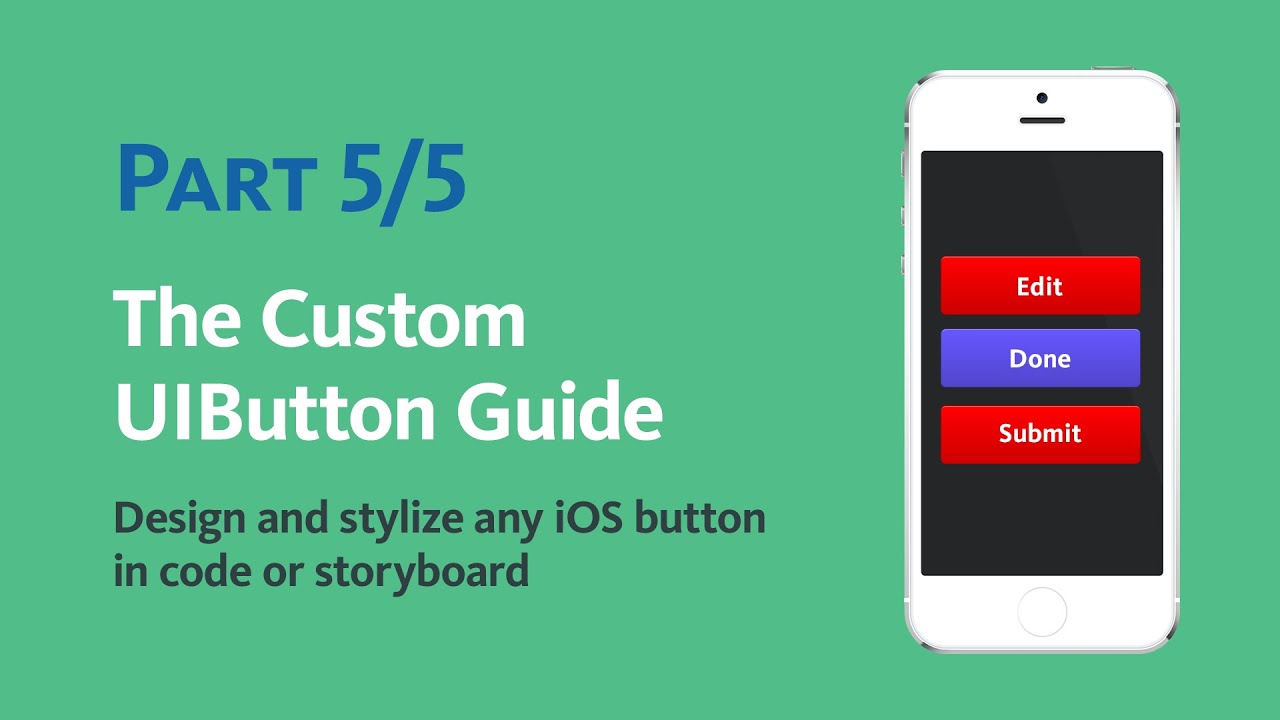
You can create a UIButton in code following these simple steps. Make sure you create a UIButtonTypeCustom button. Set the position and the size and then add it to the containing view.
Part 1/5: https://www.youtube.com/watch?v=waKXlYQHGlA
Part 2/5: https://www.youtube.com/watch?v=AdOUVC_wJmw
Part 3/5: https://www.youtube.com/watch?v=v2AZ0JgKhQU
Part 4/5: https://www.youtube.com/watch?v=xzttkcAQlK8
Part 5/5: https://www.youtube.com/watch?v=It3dsnGhhLo
UIButton *button = [UIButton buttonWithType:UIButtonTypeCustom];
[button setTitle:@"Press Me" forState:UIControlStateNormal];
button.center = CGPointMake(320/2, 380);
// Resize to make it non-zero size
// [button sizeToFit];
button.bounds = CGRectMake(0, 0, 140, 44);
// Change font
button.titleLabel.font = [UIFont systemFontOfSize:15];
[button setTitleColor:self.view.tintColor forState:UIControlStateNormal];
// Add visual feedback
[button addTarget:self action:@selector(buttonTouchDown:) forControlEvents:UIControlEventTouchDown];
[button addTarget:self action:@selector(buttonTouchUpInside:) forControlEvents:UIControlEventTouchUpInside];
// Add Background Images
UIImage *blueButtonNormalImage = [UIImage imageNamed:@"BlueButtonNormal.png"];
blueButtonNormalImage = [blueButtonNormalImage resizableImageWithCapInsets:
UIEdgeInsetsMake(22, 22, 22, 22)];
UIImage *blueButtonHighlightedImage = [UIImage imageNamed:@"BlueButtonHighlighted.png"];
blueButtonHighlightedImage = [blueButtonNormalImage resizableImageWithCapInsets:
UIEdgeInsetsMake(22, 22, 22, 22)];
[button setBackgroundImage:blueButtonNormalImage forState:UIControlStateNormal];
[button setBackgroundImage:blueButtonHighlightedImage forState:UIControlStateHighlighted];
[self.view addSubview:button];
[button addTarget:self action:@selector(buttonPressed:) forControlEvents:UIControlEventTouchUpInside];
Click here to Subscribe to learn how to make iPhone apps. http://www.youtube.com/subscription_center?add_user=PaulSolt
Links:
Blog: http://iPhoneDev.tv
iPhone Courses: http://learn.iphonedev.tv/course/iPhoneGoldSubscription/
Contact:
YouTube Channel: https://www.youtube.com/user/paulsolt
Twitter: http://Twitter.com/PaulSolt
Facebook: http://Facebook.com/PaulSolt
Google+: https://plus.google.com/u/0/+PaulSoltInc
Paul's iPhone Apps: http://AppStore.com/PaulSolt
You can create a UIButton in code following these simple steps. Make sure you create a UIButtonTypeCustom button. Set the position and the size and then add it to the containing view.
Part 1/5: https://www.youtube.com/watch?v=waKXlYQHGlA
Part 2/5: https://www.youtube.com/watch?v=AdOUVC_wJmw
Part 3/5: https://www.youtube.com/watch?v=v2AZ0JgKhQU
Part 4/5: https://www.youtube.com/watch?v=xzttkcAQlK8
Part 5/5: https://www.youtube.com/watch?v=It3dsnGhhLo
UIButton *button = [UIButton buttonWithType:UIButtonTypeCustom];
[button setTitle:@"Press Me" forState:UIControlStateNormal];
button.center = CGPointMake(320/2, 380);
// Resize to make it non-zero size
// [button sizeToFit];
button.bounds = CGRectMake(0, 0, 140, 44);
// Change font
button.titleLabel.font = [UIFont systemFontOfSize:15];
[button setTitleColor:self.view.tintColor forState:UIControlStateNormal];
// Add visual feedback
[button addTarget:self action:@selector(buttonTouchDown:) forControlEvents:UIControlEventTouchDown];
[button addTarget:self action:@selector(buttonTouchUpInside:) forControlEvents:UIControlEventTouchUpInside];
// Add Background Images
UIImage *blueButtonNormalImage = [UIImage imageNamed:@"BlueButtonNormal.png"];
blueButtonNormalImage = [blueButtonNormalImage resizableImageWithCapInsets:
UIEdgeInsetsMake(22, 22, 22, 22)];
UIImage *blueButtonHighlightedImage = [UIImage imageNamed:@"BlueButtonHighlighted.png"];
blueButtonHighlightedImage = [blueButtonNormalImage resizableImageWithCapInsets:
UIEdgeInsetsMake(22, 22, 22, 22)];
[button setBackgroundImage:blueButtonNormalImage forState:UIControlStateNormal];
[button setBackgroundImage:blueButtonHighlightedImage forState:UIControlStateHighlighted];
[self.view addSubview:button];
[button addTarget:self action:@selector(buttonPressed:) forControlEvents:UIControlEventTouchUpInside];
Click here to Subscribe to learn how to make iPhone apps. http://www.youtube.com/subscription_center?add_user=PaulSolt
Links:
Blog: http://iPhoneDev.tv
iPhone Courses: http://learn.iphonedev.tv/course/iPhoneGoldSubscription/
Contact:
YouTube Channel: https://www.youtube.com/user/paulsolt
Twitter: http://Twitter.com/PaulSolt
Facebook: http://Facebook.com/PaulSolt
Google+: https://plus.google.com/u/0/+PaulSoltInc
Paul's iPhone Apps: http://AppStore.com/PaulSolt
Tags and Topics
Browse our collection to discover more content in these categories.
Video Information
Views
11.6K
Likes
57
Duration
16:28
Published
Jul 17, 2014
User Reviews
4.1
(2) Related Trending Topics
LIVE TRENDSRelated trending topics. Click any trend to explore more videos.
No specific trending topics match this video yet.
Explore All Trends