45 Essential Mac Keyboard Shortcuts for Productivity
Learn 45 simple Mac shortcuts to boost efficiency. Quickly open apps, files, and more with these easy-to-master tips. ⚡

Payette Forward
338.5K views • Apr 30, 2023
About this video
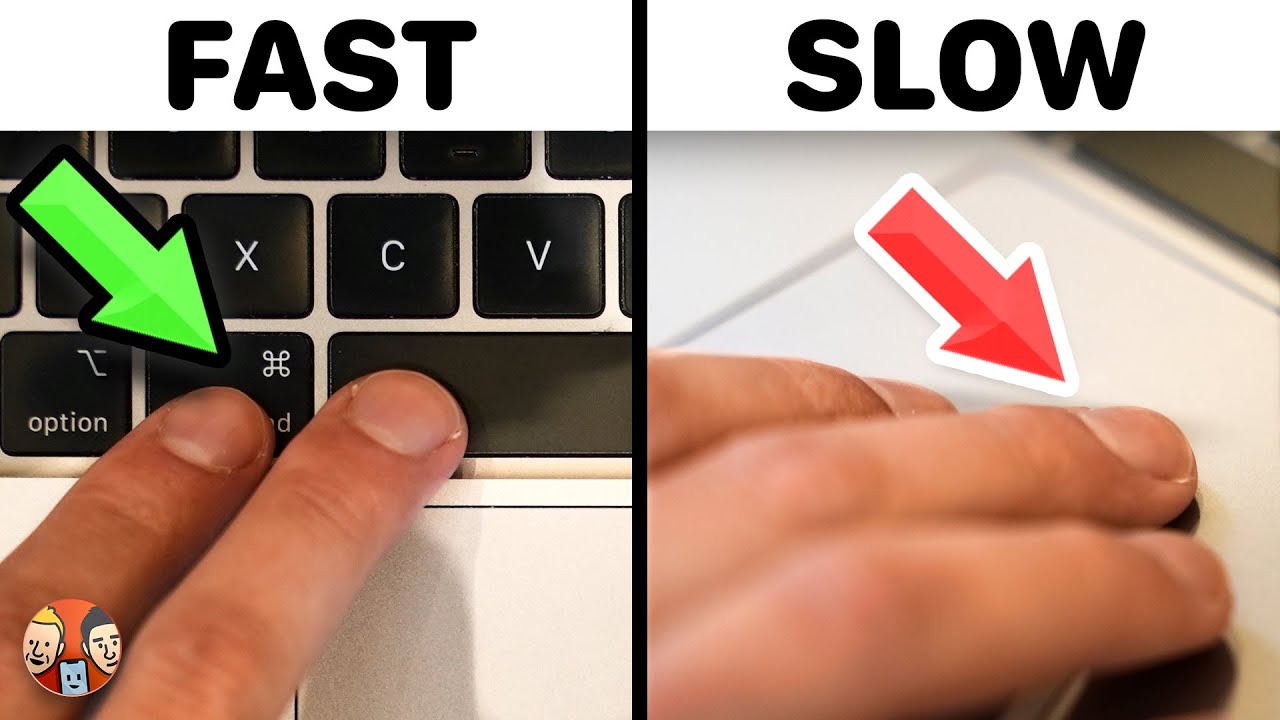
David & David tell you about 45 Mac keyboard shortcuts that are life-changing and easy to learn. These shortcuts allow you to quickly open any app or file, take a screenshot on your Mac, type like a professional, and much more!
👾 Join our NEW Discord: https://discord.gg/Bp6wdCuZT4 👾
🎁 Join this channel to get access to perks:
https://www.youtube.com/channel/UCiIhoHKPMHm0tpga58IBQNQ/join
0. Intro [0:00]
1. #1 Mac Keyboard Shortcut Mistake [0:26]
2. Spotlight Shortcut: Command ⌘ + Space [1:46]
3. Quit A Program: Command ⌘ + Q [2:39]
4. Copy Text: Command ⌘ + C [3:42]
5. Paste Text: Command ⌘ + V [3:55]
6. Cut Text: Command ⌘ + X [4:12]
7. Undo An Action: Command ⌘ + Z [5:21]
8. Redo An Action: Command ⌘ + Shift + Z [5:38]
9. Select All Text: Command ⌘ + A [5:51]
10. PC Delete Key On Mac: Fn + Delete [6:46]
11. Move Cursor Far: Command ⌘ + Arrow Keys [7:42]
12. Move Cursor Less Far: Option ⌥ + Arrow Keys [8:07]
13. Highlight Text: Shift + Arrow Keys [8:45]
14. Hightlight Words: Option ⌥ + Shift + Arrow Keys [8:52]
15. Highlight Lines: Command ⌘ + Shift + Arrow Keys [9:14]
16. Insert Link: Command ⌘ + K [10:12]
17. Make Text Bold: Command ⌘ + B [11:14]
18. Italicize Text: Command ⌘ + 1 [11:19]
19. Close Window: Command ⌘ + W [11:38]
20. New Tab: Command ⌘ + T [13:13]
21. Select Tab: Command ⌘ + Number Keys [13:23]
22. Scroll Through Tabs: Command ⌘ + Shift + [ Or ] [13:33]
23. Close A Tab: Command ⌘ + W [13:48]
24. Undo Close Tab: Command ⌘ + Z [13:57]
25. Refresh Page: Command ⌘ + R [14:03]
26. Address Bar: Command ⌘ + L [14:14]
27. New Safari Window: Command ⌘ + N [14:24]
28. Switch Between Existing Windows: Command ⌘ + ~ [14:32]
29. Minimize A Window: Command ⌘ + M [14:49]
30. Hide A Window: Command ⌘ + H [14:59]
31. Close A Window: Command ⌘ + W [15:07]
32. Close All Other Tabs: Command ⌘ + Option ⌥ + W [15:14]
33. Take A Screenshot On Mac: Command ⌘ + Shift + 3 [15:41]
34. Take A Screenshot of Part of Your Screen: Command ⌘ + Shift + 4 [15:59]
35. Take A Screen Recording On Mac: Command ⌘ + Shift + 5 [16:49]
36. Open Another File In Preview: Command ⌘ + O [17:51]
37. Switch Between Programs: Command ⌘ + Tab [18:18]
38. Switch Between Previous Programs: Command ⌘ + Shift + Tab [18:40]
39. Rotate An Image In Preview: Command ⌘ + R [18:50]
40. Remove The Background From An Image: Command ⌘ + Shift + K [20:08]
41. Save A File: Command ⌘ + S [20:17]
42. Zoom In Or Out On An Image In Preview: Command ⌘ + (+/-) [20:20]
43. Open The Color Correction Window In Preview: Command ⌘ + Option ⌥ + C [20:29]
44. Zoom In Or Out On A Web Page: Command ⌘ + (+/-) [20:45]
45. Reset To Default Web Page View: Command ⌘ + 0 [21:00]
46. Open Preferences: Command ⌘ + , [21:08]
📱 For awesome iPhone fixes and tips, check out our website, Payette Forward: https://www.payetteforward.com
📱 Compare every cell phone, every plan, and every carrier on UpPhone: https://www.upphone.com/
👋 Get Social With Payette Forward:
On Facebook: https://www.facebook.com/payetteforwardinc
On Twitter: https://twitter.com/payetteforward
On Instagram: https://www.instagram.com/payetteforward/
#Mac #Keyboard #Shortcuts #Apple
👾 Join our NEW Discord: https://discord.gg/Bp6wdCuZT4 👾
🎁 Join this channel to get access to perks:
https://www.youtube.com/channel/UCiIhoHKPMHm0tpga58IBQNQ/join
0. Intro [0:00]
1. #1 Mac Keyboard Shortcut Mistake [0:26]
2. Spotlight Shortcut: Command ⌘ + Space [1:46]
3. Quit A Program: Command ⌘ + Q [2:39]
4. Copy Text: Command ⌘ + C [3:42]
5. Paste Text: Command ⌘ + V [3:55]
6. Cut Text: Command ⌘ + X [4:12]
7. Undo An Action: Command ⌘ + Z [5:21]
8. Redo An Action: Command ⌘ + Shift + Z [5:38]
9. Select All Text: Command ⌘ + A [5:51]
10. PC Delete Key On Mac: Fn + Delete [6:46]
11. Move Cursor Far: Command ⌘ + Arrow Keys [7:42]
12. Move Cursor Less Far: Option ⌥ + Arrow Keys [8:07]
13. Highlight Text: Shift + Arrow Keys [8:45]
14. Hightlight Words: Option ⌥ + Shift + Arrow Keys [8:52]
15. Highlight Lines: Command ⌘ + Shift + Arrow Keys [9:14]
16. Insert Link: Command ⌘ + K [10:12]
17. Make Text Bold: Command ⌘ + B [11:14]
18. Italicize Text: Command ⌘ + 1 [11:19]
19. Close Window: Command ⌘ + W [11:38]
20. New Tab: Command ⌘ + T [13:13]
21. Select Tab: Command ⌘ + Number Keys [13:23]
22. Scroll Through Tabs: Command ⌘ + Shift + [ Or ] [13:33]
23. Close A Tab: Command ⌘ + W [13:48]
24. Undo Close Tab: Command ⌘ + Z [13:57]
25. Refresh Page: Command ⌘ + R [14:03]
26. Address Bar: Command ⌘ + L [14:14]
27. New Safari Window: Command ⌘ + N [14:24]
28. Switch Between Existing Windows: Command ⌘ + ~ [14:32]
29. Minimize A Window: Command ⌘ + M [14:49]
30. Hide A Window: Command ⌘ + H [14:59]
31. Close A Window: Command ⌘ + W [15:07]
32. Close All Other Tabs: Command ⌘ + Option ⌥ + W [15:14]
33. Take A Screenshot On Mac: Command ⌘ + Shift + 3 [15:41]
34. Take A Screenshot of Part of Your Screen: Command ⌘ + Shift + 4 [15:59]
35. Take A Screen Recording On Mac: Command ⌘ + Shift + 5 [16:49]
36. Open Another File In Preview: Command ⌘ + O [17:51]
37. Switch Between Programs: Command ⌘ + Tab [18:18]
38. Switch Between Previous Programs: Command ⌘ + Shift + Tab [18:40]
39. Rotate An Image In Preview: Command ⌘ + R [18:50]
40. Remove The Background From An Image: Command ⌘ + Shift + K [20:08]
41. Save A File: Command ⌘ + S [20:17]
42. Zoom In Or Out On An Image In Preview: Command ⌘ + (+/-) [20:20]
43. Open The Color Correction Window In Preview: Command ⌘ + Option ⌥ + C [20:29]
44. Zoom In Or Out On A Web Page: Command ⌘ + (+/-) [20:45]
45. Reset To Default Web Page View: Command ⌘ + 0 [21:00]
46. Open Preferences: Command ⌘ + , [21:08]
📱 For awesome iPhone fixes and tips, check out our website, Payette Forward: https://www.payetteforward.com
📱 Compare every cell phone, every plan, and every carrier on UpPhone: https://www.upphone.com/
👋 Get Social With Payette Forward:
On Facebook: https://www.facebook.com/payetteforwardinc
On Twitter: https://twitter.com/payetteforward
On Instagram: https://www.instagram.com/payetteforward/
#Mac #Keyboard #Shortcuts #Apple
Tags and Topics
Browse our collection to discover more content in these categories.
Video Information
Views
338.5K
Likes
6.9K
Duration
21:25
Published
Apr 30, 2023
User Reviews
4.8
(67) Related Trending Topics
LIVE TRENDSRelated trending topics. Click any trend to explore more videos.
No specific trending topics match this video yet.
Explore All Trends