Create Stunning 3D Rotating Logo Animation in After Effects – No Plugins Needed 🎥
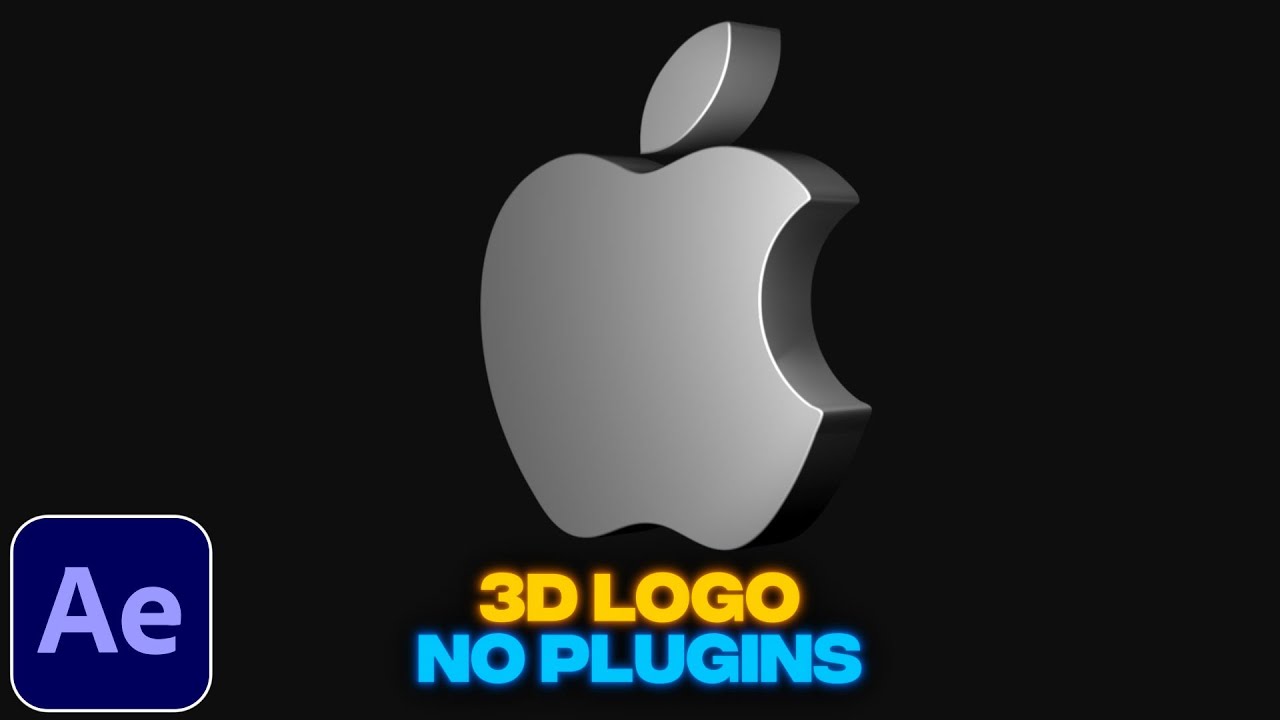
Learn how to craft a professional 3D rotating logo animation in After Effects without any plugins. Perfect for enhancing your branding projects! 🎨

Smertimba Graphics
387.3K views • Nov 10, 2022
About this video
🎬Unlimited Assets: https://1.envato.market/yq72Db
✨Editing Plugins: https://aejuice.com/?ref=SmertimbaGraphics
In this tutorial I show you how to create 3d rotating logo animation in adobe after effects without using any plugins. For this we will use cinema 4d renderer to extrude the logo in the 3d space. You can create custom logo animations using this method, it is very simple and easy to do, also very quick so watch me create an animation step by step. This tutorial also includes the following: 3d rotating logo animation tutorial after effects, 3d rotating logo animation, 3d rotating logo, after effects 3d logo, after effects 3d logo animation, after effects tutorial, after effects, logo, 3d logo, 3d logo tutorial, logo animation tutorial, logo animation after effects, after effects logo 3d, logo 3d, no plugins, cinema 4d, c4d, 3d logo after effects no plugins, smertimba graphics, motion graphics, motion design, create 3d rotating logo in after effects, how to create 3d logo after effects, extrude after effects, 3d extrude after effects, 3d extrude logo, logo extrude tutorial, mograph, ae.
🔔Subscribe to my channel for more tutorials: https://www.youtube.com/channel/UC00xDVHwxN9NChfLMfke_xA?sub_confirmation=1
💾Download Project File: https://bit.ly/3FXTci6
SOCIALS
===================================
📷Instagram: @smertimbagraphics
"This description contains affiliate links. If you click the link and make a purchase, I earn a small commission—at no extra cost to you"
#3d #logoanimation #aftereffects #3dlogo #tutorial #aetutorial #motiongraphics #motiondesign #smertimbagraphics #3dlogoanimation #ae #logo #adobe
✨Editing Plugins: https://aejuice.com/?ref=SmertimbaGraphics
In this tutorial I show you how to create 3d rotating logo animation in adobe after effects without using any plugins. For this we will use cinema 4d renderer to extrude the logo in the 3d space. You can create custom logo animations using this method, it is very simple and easy to do, also very quick so watch me create an animation step by step. This tutorial also includes the following: 3d rotating logo animation tutorial after effects, 3d rotating logo animation, 3d rotating logo, after effects 3d logo, after effects 3d logo animation, after effects tutorial, after effects, logo, 3d logo, 3d logo tutorial, logo animation tutorial, logo animation after effects, after effects logo 3d, logo 3d, no plugins, cinema 4d, c4d, 3d logo after effects no plugins, smertimba graphics, motion graphics, motion design, create 3d rotating logo in after effects, how to create 3d logo after effects, extrude after effects, 3d extrude after effects, 3d extrude logo, logo extrude tutorial, mograph, ae.
🔔Subscribe to my channel for more tutorials: https://www.youtube.com/channel/UC00xDVHwxN9NChfLMfke_xA?sub_confirmation=1
💾Download Project File: https://bit.ly/3FXTci6
SOCIALS
===================================
📷Instagram: @smertimbagraphics
"This description contains affiliate links. If you click the link and make a purchase, I earn a small commission—at no extra cost to you"
#3d #logoanimation #aftereffects #3dlogo #tutorial #aetutorial #motiongraphics #motiondesign #smertimbagraphics #3dlogoanimation #ae #logo #adobe
Tags and Topics
Browse our collection to discover more content in these categories.
Video Information
Views
387.3K
Likes
6.0K
Duration
3:56
Published
Nov 10, 2022
User Reviews
4.7
(77) Related Trending Topics
LIVE TRENDSRelated trending topics. Click any trend to explore more videos.
No specific trending topics match this video yet.
Explore All Trends