3 Easy Techniques to Achieve a Hand-Drawn Look in Adobe Illustrator ✏️
Discover three simple methods to give your designs a authentic hand-drawn feel in Adobe Illustrator. Perfect for adding a personal touch to your artwork!

Ollie Spicer
30.3K views • Dec 23, 2024
About this video
How do you roughen a design? 👀
.
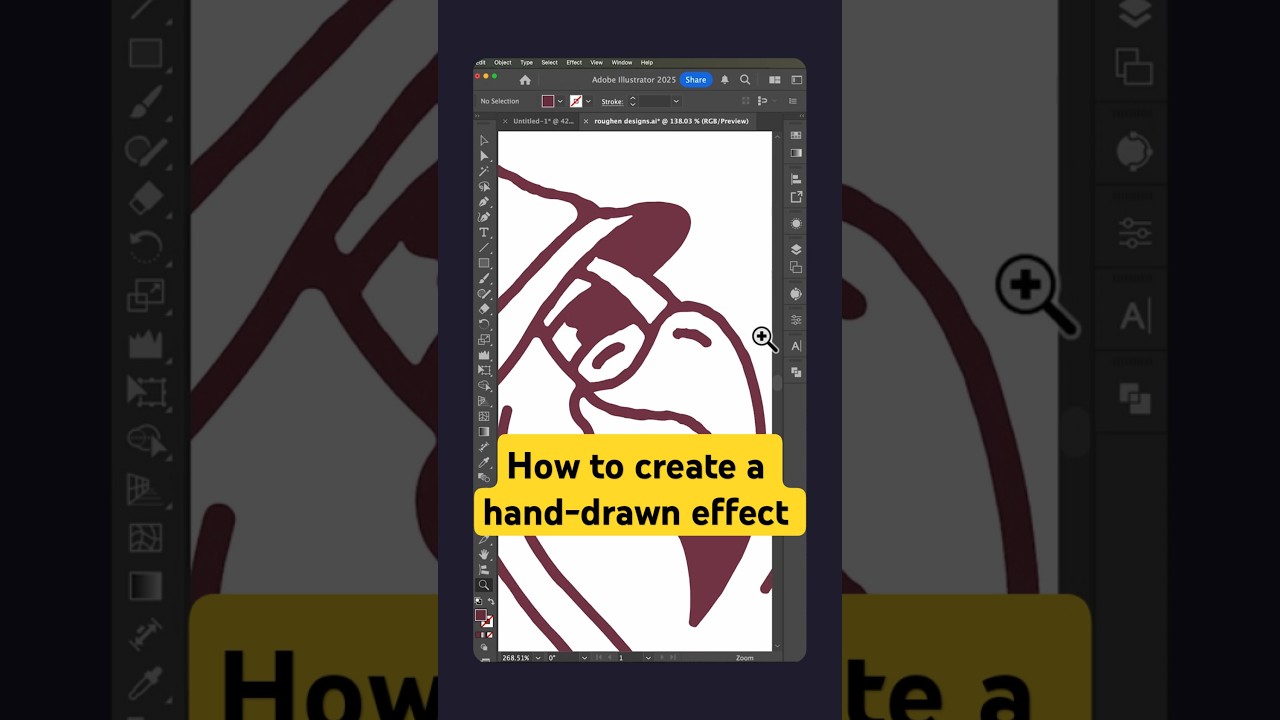
Here are three different ways to create a hand-drawn effect in Adobe Illustrator. There are countless techniques for achieving this look, but these are my top three go-to methods:
Option 1:
Head over to the left-hand panel and double-click the Wrinkle Tool. Here, you can adjust the intensity settings to your liking. Simply brush over your design to give it a rough, textured effect. Keep in mind that less is more with this method!
Option 2:
This is my favourite technique for achieving a hand-drawn look and probably the most popular method overall. Select your design, then go to Effect / Distort & Transform / Roughen. At first glance, the default settings might look chaotic, but don’t worry. Just follow the settings I demonstrate in this video. What makes this method so great is that it’s non-destructive. You can easily tweak or remove the effect in the Appearance Panel without altering your original design.
Option 3:
I use this method for all of my character designs. It’s definitely the most time-consuming of the three, but the end result is worth every second! In my opinion, the detail and authenticity it adds make it completely worth the extra effort.
These techniques can help you bring a hand-drawn touch to your Illustrator projects while maintaining flexibility and control over your designs.
.
Follow along for more tips and tricks in Adobe Illustrator! 🙌
.
#graphicdesign #graphicdesigner #graphicdesigncentral #graphicdesigncommunity #graphicdesigndaily #graphicdesigners #graphicdesign #graphicdesigns #graphicdesignersclub #logo #logodesign #logodesigner #logodesigners #logomark #logoconcept #logoideas #logoinspiration #logoinspo #logodesigns #logotype #logomaker #logodesignlove #logobrand #logoinspire #logodaily #branding #brandidentity #branddesign #brandidentity #visualidentity #education
.
Here are three different ways to create a hand-drawn effect in Adobe Illustrator. There are countless techniques for achieving this look, but these are my top three go-to methods:
Option 1:
Head over to the left-hand panel and double-click the Wrinkle Tool. Here, you can adjust the intensity settings to your liking. Simply brush over your design to give it a rough, textured effect. Keep in mind that less is more with this method!
Option 2:
This is my favourite technique for achieving a hand-drawn look and probably the most popular method overall. Select your design, then go to Effect / Distort & Transform / Roughen. At first glance, the default settings might look chaotic, but don’t worry. Just follow the settings I demonstrate in this video. What makes this method so great is that it’s non-destructive. You can easily tweak or remove the effect in the Appearance Panel without altering your original design.
Option 3:
I use this method for all of my character designs. It’s definitely the most time-consuming of the three, but the end result is worth every second! In my opinion, the detail and authenticity it adds make it completely worth the extra effort.
These techniques can help you bring a hand-drawn touch to your Illustrator projects while maintaining flexibility and control over your designs.
.
Follow along for more tips and tricks in Adobe Illustrator! 🙌
.
#graphicdesign #graphicdesigner #graphicdesigncentral #graphicdesigncommunity #graphicdesigndaily #graphicdesigners #graphicdesign #graphicdesigns #graphicdesignersclub #logo #logodesign #logodesigner #logodesigners #logomark #logoconcept #logoideas #logoinspiration #logoinspo #logodesigns #logotype #logomaker #logodesignlove #logobrand #logoinspire #logodaily #branding #brandidentity #branddesign #brandidentity #visualidentity #education
Video Information
Views
30.3K
Likes
1.9K
Duration
1:00
Published
Dec 23, 2024
User Reviews
4.6
(6) Related Trending Topics
LIVE TRENDSRelated trending topics. Click any trend to explore more videos.