3 Tips for Stunning Websites with Cursor AI
Learn how to create beautiful websites using Cursor AI, from layout to animation, with this easy tutorial. 🚀

AI LABS
407.7K views • Jun 18, 2025
About this video
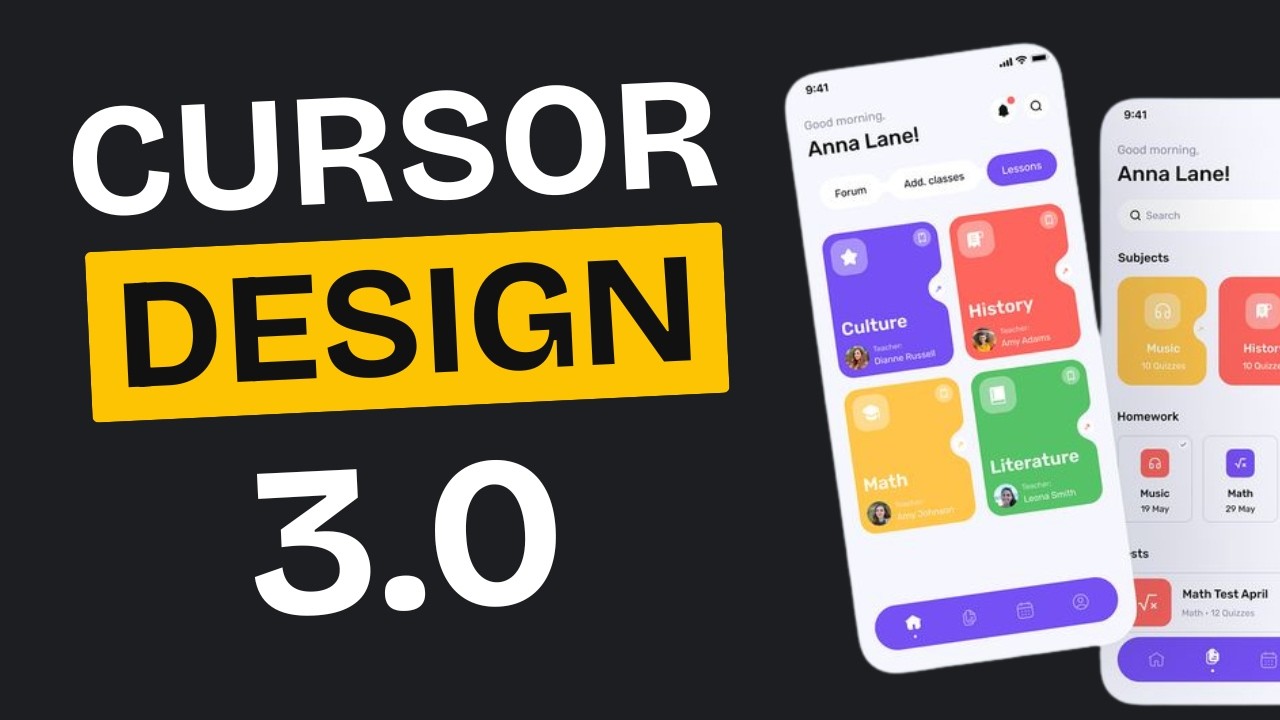
Using Cursor AI to improve your websites? This Cursor AI tutorial shows exactly how to get stunning results by coding with AI. From layout to animation, learn what actually works. Discover how Cursor makes AI coding finally click.
LINKS:
https://reactbits.dev/
https://21st.dev/
https://tweakcn.com/
https://pro.magicui.design/?ref=muhammadadil
https://pro.alignui.com/
https://bentogrids.com/
https://grainient.supply/freebies
Inspiration: https://x.com/nocheerleader/status/1934648816193458539
In this video, we go deep into using Cursor AI for real web development—from cloning designs with design JSONs to creating original UIs with tools like TweakCN and premium libraries like React Bits. This full Cursor AI tutorial reveals how coding with AI isn’t just fast—it’s professional.
You’ll learn how to build visually stunning websites by combining AI agents like Claude 4 and ChatGPT with the Cursor code editor, while exploring layout systems, animations, and font integrations that rival top dev teams. Whether you’re into artificial intelligence, software development, or want to understand how to use Cursor AI effectively, this tutorial walks through it all with hands-on examples.
We also break down how Cursor, an AI agent-powered IDE, simplifies vibe coding and lets you focus on UI/UX while Cursor handles the boilerplate. Perfect for both beginners and advanced developers using OpenAI tools, Claude Code, or anyone exploring modern AI coding workflows.
If you’ve been curious about CursorAI, how to use Cursor, or where AI fits into your dev stack—this guide will answer everything. Stay till the end for practical layout tricks and why small details like typography or micro-interactions can make or break your site.
HASTAGS: #ai #chatgpt #claude4 #ainews #vibecoding #aiagents #cursorai #claudecode #cursor #aiagent
LINKS:
https://reactbits.dev/
https://21st.dev/
https://tweakcn.com/
https://pro.magicui.design/?ref=muhammadadil
https://pro.alignui.com/
https://bentogrids.com/
https://grainient.supply/freebies
Inspiration: https://x.com/nocheerleader/status/1934648816193458539
In this video, we go deep into using Cursor AI for real web development—from cloning designs with design JSONs to creating original UIs with tools like TweakCN and premium libraries like React Bits. This full Cursor AI tutorial reveals how coding with AI isn’t just fast—it’s professional.
You’ll learn how to build visually stunning websites by combining AI agents like Claude 4 and ChatGPT with the Cursor code editor, while exploring layout systems, animations, and font integrations that rival top dev teams. Whether you’re into artificial intelligence, software development, or want to understand how to use Cursor AI effectively, this tutorial walks through it all with hands-on examples.
We also break down how Cursor, an AI agent-powered IDE, simplifies vibe coding and lets you focus on UI/UX while Cursor handles the boilerplate. Perfect for both beginners and advanced developers using OpenAI tools, Claude Code, or anyone exploring modern AI coding workflows.
If you’ve been curious about CursorAI, how to use Cursor, or where AI fits into your dev stack—this guide will answer everything. Stay till the end for practical layout tricks and why small details like typography or micro-interactions can make or break your site.
HASTAGS: #ai #chatgpt #claude4 #ainews #vibecoding #aiagents #cursorai #claudecode #cursor #aiagent
Tags and Topics
Browse our collection to discover more content in these categories.
Video Information
Views
407.7K
Likes
19.7K
Duration
9:51
Published
Jun 18, 2025
User Reviews
4.8
(81) Related Trending Topics
LIVE TRENDSRelated trending topics. Click any trend to explore more videos.
No specific trending topics match this video yet.
Explore All Trends