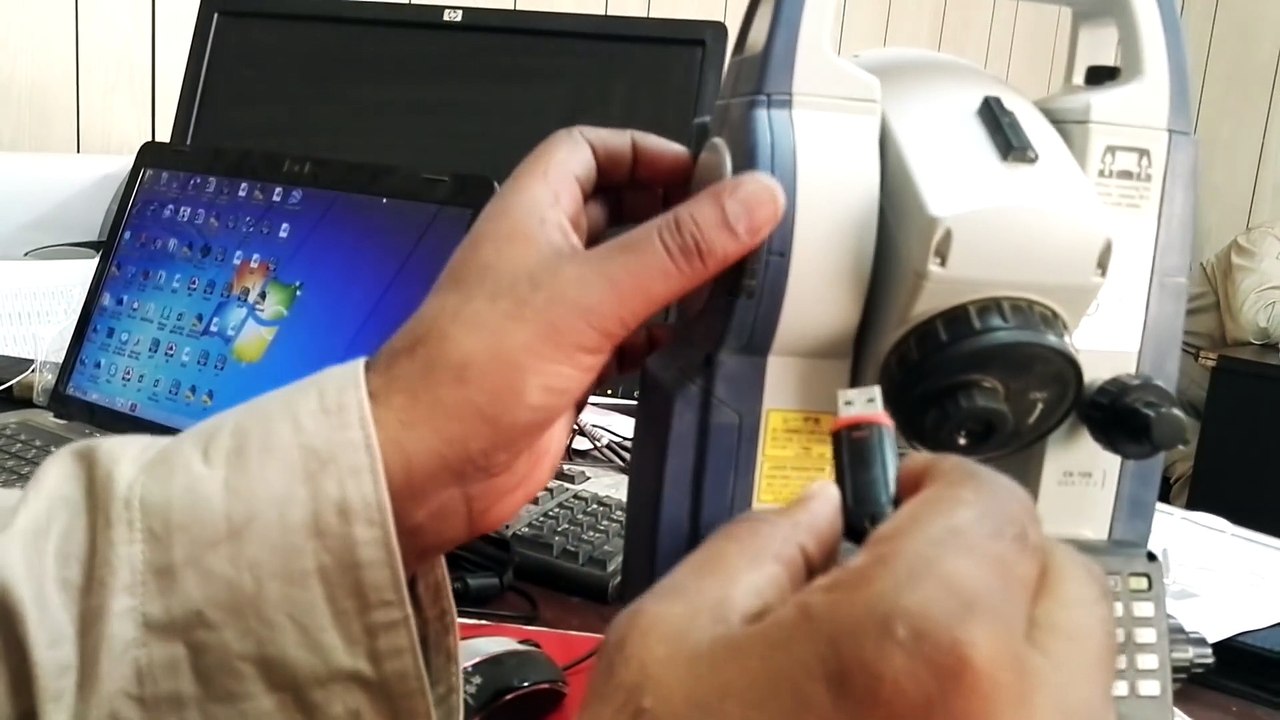
2. سوکیا ٹوٹل اسٹیشن CX-105 سے ڈیٹا USB میں آسانی سے ایکسپورٹ کریں 🇺🇸
اس ویڈیو میں سیکھیں کہ کس طرح ساکیا ٹوٹل اسٹیشن CX-105 سے اپنا ڈیٹا یا جاب فائل کو USB اسٹک میں آسانی سے ایکسپورٹ کریں۔ مزید تفصیلات اور مرحلہ وار ہدایات کے لیے دیکھیں!
aamirshahzad216
12 views • Aug 30, 2020
About this video
This is my 2nd video on the Sokkia Total Station CX-105 & in this video, I explain how to export data or job from Sokkia Total Station CX-105 to USB <br />1st need to select S Type data then save data after selecting the required job and press button Load data that's it this is the how we can export out the job from Sokkia CX 105 to USB for more detail watch this video until the end<br />Finally thanks for watching this video<br /><br /><br />-~-~~-~~~-~~-~-<br />Please watch: "Introduction of Quantity Surveying in English Urdu & Responsibilities of Quantity Surveyor" <br />https://www.youtube.com/watch?v=rdTpAyTtHAM<br />#CX-105 #Sokkia #Total_Station #Survey_Instruments<br />-~-~~-~~~-~~-~-
Video Information
Views
12
Duration
2:22
Published
Aug 30, 2020
Related Trending Topics
LIVE TRENDSRelated trending topics. Click any trend to explore more videos.
No specific trending topics match this video yet.
Explore All Trends