10 Tips for Curved & Organic Shapes in SketchUp
Learn 10 methods to create rounded edges, curved, and organic models in SketchUp. Enhance your design skills today! ✨
TheSketchUpEssentials
1.4M views • May 23, 2018
About this video
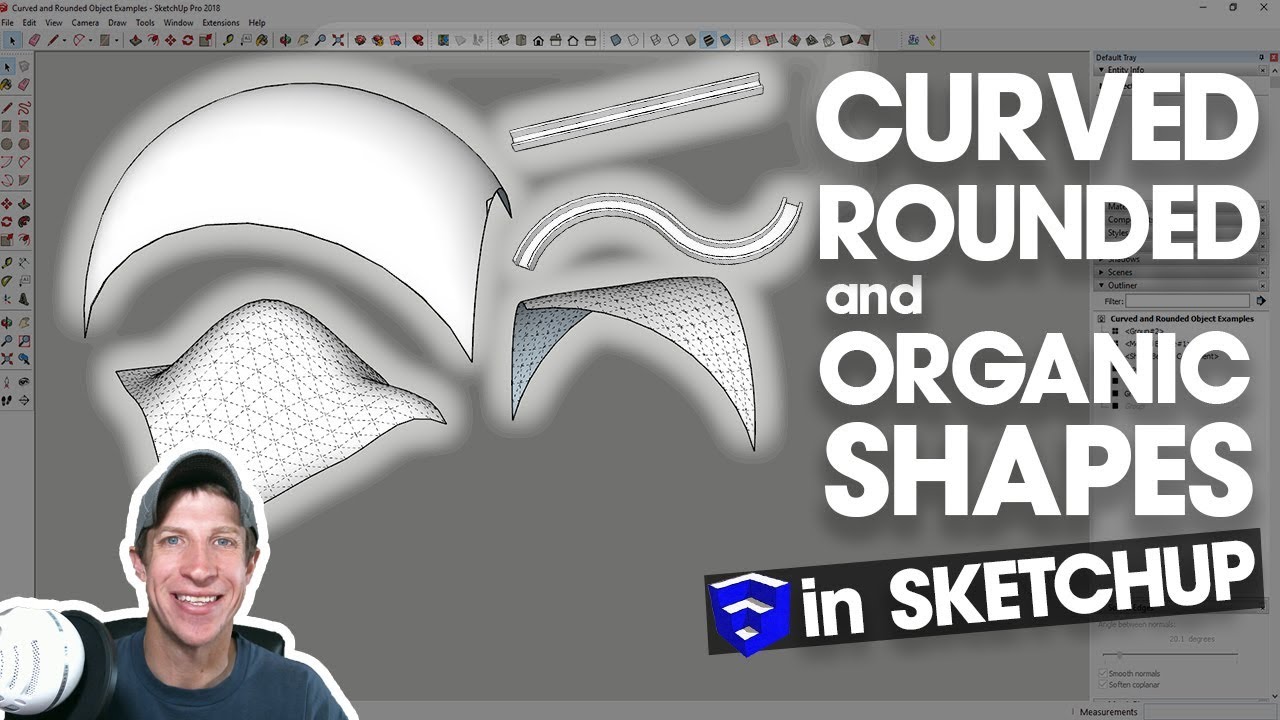
Learn 10 ways to create rounded edges, curved shapes, and organic models in SketchUp in today's tutorial!
Want to Support the SketchUp Essentials?
http://www.patreon.com/thesketchupessentials
http://www.thesketchupessentials.com/support
THE SKETCHUP ESSENTIALS COURSE
http://www.thesketchupessentials.com/course
1. Push Pull a Profile
2. JHS Powerbar – https://www.youtube.com/watch?v=JcCPLShxDCI
3. Follow Me Tool – Additive - https://www.youtube.com/watch?v=QFkjJC231Qo
4. Follow Me Tool – Subtractive
5. Follow Me Tool – Circular - https://www.youtube.com/watch?v=bJV8_wL2XfY
6. Round Corner - https://www.youtube.com/watch?v=36myjGh1iGw
7. Sandbox Tools - https://www.youtube.com/watch?v=1xONPLFPPzo
8. SubD - https://www.youtube.com/watch?v=m54XBVCLpZc
Vertex Tools - https://www.youtube.com/watch?v=7uGZvC5Kgd0
Artisan - https://www.youtube.com/watch?v=8JODF8n2nRk
9. Shape Bender - https://www.youtube.com/watch?v=NHRUNGOiH0k
Radial Bend - https://www.youtube.com/watch?v=HN_7D0NTv-E
10. Soap Skin/Curviloft - https://www.youtube.com/watch?v=oqq0qYkrpws
MY YOUTUBE SETUP
https://kit.co/TheSketchUpEssentials/sketchup-modeling-and-youtube-creation-kit
SKETCHUP BOOKS AND RESOURCES
https://kit.co/TheSketchUpEssentials/sketchup-books-and-resources
MY CURRENT FAVORITE SKETCHUP PLUGINS AND EXTENSIONS
https://kit.co/TheSketchUpEssentials/my-current-favorite-sketchup-extensions
(Affiliate Links)
PLEASE LIKE AND SUBSCRIBE
Check Us Out On -
Website - http://www.thesketchupessentials.com
Twitter - http://www.twitter.com/easysketchup
Facebook - http://www.facebook.com/thesketchupessentials
Pinterest - http://www.pinterest.com/easysketchup/
Disclaimers: all opinions are my own, sponsors are acknowledged. Product Links in the description are typically affiliate links that let you help support the channel at no extra cost.
Want to Support the SketchUp Essentials?
http://www.patreon.com/thesketchupessentials
http://www.thesketchupessentials.com/support
THE SKETCHUP ESSENTIALS COURSE
http://www.thesketchupessentials.com/course
1. Push Pull a Profile
2. JHS Powerbar – https://www.youtube.com/watch?v=JcCPLShxDCI
3. Follow Me Tool – Additive - https://www.youtube.com/watch?v=QFkjJC231Qo
4. Follow Me Tool – Subtractive
5. Follow Me Tool – Circular - https://www.youtube.com/watch?v=bJV8_wL2XfY
6. Round Corner - https://www.youtube.com/watch?v=36myjGh1iGw
7. Sandbox Tools - https://www.youtube.com/watch?v=1xONPLFPPzo
8. SubD - https://www.youtube.com/watch?v=m54XBVCLpZc
Vertex Tools - https://www.youtube.com/watch?v=7uGZvC5Kgd0
Artisan - https://www.youtube.com/watch?v=8JODF8n2nRk
9. Shape Bender - https://www.youtube.com/watch?v=NHRUNGOiH0k
Radial Bend - https://www.youtube.com/watch?v=HN_7D0NTv-E
10. Soap Skin/Curviloft - https://www.youtube.com/watch?v=oqq0qYkrpws
MY YOUTUBE SETUP
https://kit.co/TheSketchUpEssentials/sketchup-modeling-and-youtube-creation-kit
SKETCHUP BOOKS AND RESOURCES
https://kit.co/TheSketchUpEssentials/sketchup-books-and-resources
MY CURRENT FAVORITE SKETCHUP PLUGINS AND EXTENSIONS
https://kit.co/TheSketchUpEssentials/my-current-favorite-sketchup-extensions
(Affiliate Links)
PLEASE LIKE AND SUBSCRIBE
Check Us Out On -
Website - http://www.thesketchupessentials.com
Twitter - http://www.twitter.com/easysketchup
Facebook - http://www.facebook.com/thesketchupessentials
Pinterest - http://www.pinterest.com/easysketchup/
Disclaimers: all opinions are my own, sponsors are acknowledged. Product Links in the description are typically affiliate links that let you help support the channel at no extra cost.
Tags and Topics
Browse our collection to discover more content in these categories.
Video Information
Views
1.4M
Likes
26.0K
Duration
16:54
Published
May 23, 2018
User Reviews
4.8
(281) Related Trending Topics
LIVE TRENDSRelated trending topics. Click any trend to explore more videos.