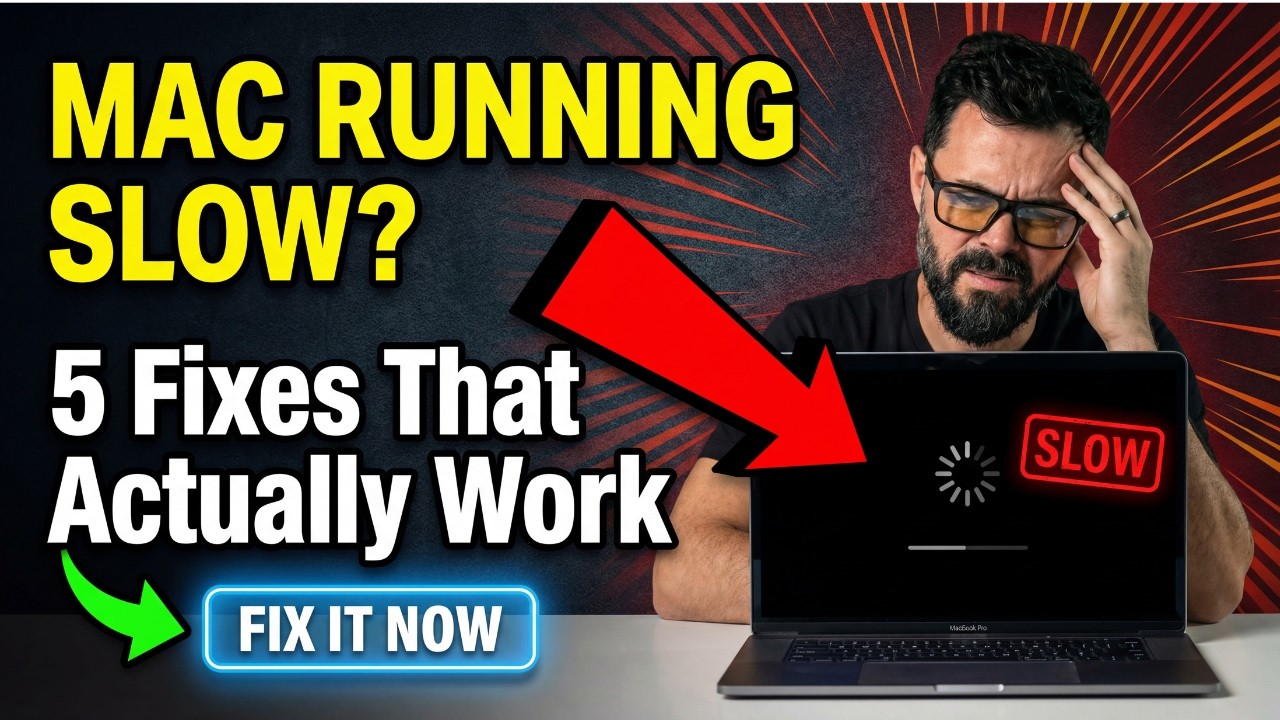
Mac Running Slow? 5 Fixes That Actually Work
𝐈𝐬 𝐲𝐨𝐮𝐫 𝐌𝐚𝐜 𝐂𝐑𝐀𝐖𝐋𝐈𝐍𝐆? 🐌 𝐒𝐩𝐢𝐧𝐧𝐢𝐧𝐠 𝐰𝐡𝐞𝐞𝐥 𝐨𝐟 𝐝𝐞𝐚𝐭𝐡? 𝐅𝐢𝐱 𝐢𝐭 𝐢𝐧 𝟓 𝐦𝐢𝐧𝐮𝐭𝐞𝐬! Is your Mac running slow, freezin...

Techable Labs
7.6K views • Jan 2, 2026
About this video
𝐈𝐬 𝐲𝐨𝐮𝐫 𝐌𝐚𝐜 𝐂𝐑𝐀𝐖𝐋𝐈𝐍𝐆? 🐌 𝐒𝐩𝐢𝐧𝐧𝐢𝐧𝐠 𝐰𝐡𝐞𝐞𝐥 𝐨𝐟 𝐝𝐞𝐚𝐭𝐡? 𝐅𝐢𝐱 𝐢𝐭 𝐢𝐧 𝟓 𝐦𝐢𝐧𝐮𝐭𝐞𝐬!
Is your Mac running slow, freezing, or stuck on the dreaded spinning beach ball? Before you spend $1,500+ on a new one, try these 5 proven fixes that'll make your Mac feel BRAND NEW again. Works on MacBook Air, MacBook Pro, iMac, and Mac mini — Intel, M1, M2, M3, and M4.
✅ Find and kill apps secretly draining your CPU
✅ Stop sneaky startup apps slowing your login
✅ Reclaim storage space (the #1 speed killer)
✅ Patch hidden bugs with the right updates
✅ Fix the browser habits destroying your RAM⏱️ TIMESTAMPS
0:00 — Why Your Mac Feels Slow
0:32 — Fix 1: Close Heavy Apps with Activity Monitor
1:24 — Fix 2: Turn Off Startup Items
2:03 — Fix 3: Free Up Storage Space (10-20% Rule)
2:57 — Fix 4: Update macOS & Your Apps
3:43 — Fix 5: Browser Tabs & Extension Cleanup
4:26 — Still Slow? Hardware & Upgrade Advice
🔥 𝐖𝐡𝐲 𝐢𝐬 𝐦𝐲 𝐌𝐚𝐜 𝐬𝐮𝐝𝐝𝐞𝐧𝐥𝐲 𝐬𝐨 𝐬𝐥𝐨𝐰?
The biggest culprits aren't always obvious — background apps, full storage drives, outdated software, and browser bloat silently steal performance over time. Even a 2024 MacBook Pro can feel sluggish if your disk is 95% full or Chrome has 40 tabs open. Fix #3 alone can double your speed instantly.
🛡️ 𝐏𝐑𝐎𝐓𝐄𝐂𝐓 𝐘𝐎𝐔𝐑 𝐌𝐀𝐂 — Extended warranties from a trusted name. Don't risk a $600 logic board repair:
👉 https://safetechwarranty.com/
💻 𝐔𝐏𝐆𝐑𝐀𝐃𝐄 𝐘𝐎𝐔𝐑 𝐌𝐀𝐂 — Shop certified refurbished MacBooks, iMacs & Mac minis at a fraction of retail. Every device warrantied:
👉 https://techable.com/
💵 𝐒𝐄𝐋𝐋 𝐘𝐎𝐔𝐑 𝐎𝐋𝐃 𝐌𝐀𝐂 — Get an instant cash offer with FREE prepaid shipping. No lowballers, no waiting:
👉 https://sellmac.com/
🔍 𝐌𝐀𝐂 𝐒𝐏𝐄𝐂𝐒 𝐋𝐎𝐎𝐊𝐔𝐏 — Free database with model & serial number decoder for every Mac ever made:
👉 https://apple.techable.com/
This guide works for:
MacBook Air (Intel, M1, M2, M3, M4)
MacBook Pro (13", 14", 16" — all chips)
iMac (24" & 27")
Mac mini & Mac Studio
Any Mac running macOS Ventura, Sonoma, Sequoia, or macOS 26
👍 If this video speed up your Mac, smash LIKE so others can find it!
🔔 SUBSCRIBE + ring the bell for weekly Mac tutorials, troubleshooting guides, and Apple buying tips.
💬 Which fix gave you the biggest speed boost? Drop it in the comments, and let me know what other Mac issues I should cover next. I reply to every comment!
#MacBookSlow #SpeedUpMac #MacBookPro #MacBookAir #iMac #MacOS #MacTips #AppleTips #TechTips #SafeTechWarranty #Techable #SellMac #MacTutorial #SlowMac #SpinningWheel
Is your Mac running slow, freezing, or stuck on the dreaded spinning beach ball? Before you spend $1,500+ on a new one, try these 5 proven fixes that'll make your Mac feel BRAND NEW again. Works on MacBook Air, MacBook Pro, iMac, and Mac mini — Intel, M1, M2, M3, and M4.
✅ Find and kill apps secretly draining your CPU
✅ Stop sneaky startup apps slowing your login
✅ Reclaim storage space (the #1 speed killer)
✅ Patch hidden bugs with the right updates
✅ Fix the browser habits destroying your RAM⏱️ TIMESTAMPS
0:00 — Why Your Mac Feels Slow
0:32 — Fix 1: Close Heavy Apps with Activity Monitor
1:24 — Fix 2: Turn Off Startup Items
2:03 — Fix 3: Free Up Storage Space (10-20% Rule)
2:57 — Fix 4: Update macOS & Your Apps
3:43 — Fix 5: Browser Tabs & Extension Cleanup
4:26 — Still Slow? Hardware & Upgrade Advice
🔥 𝐖𝐡𝐲 𝐢𝐬 𝐦𝐲 𝐌𝐚𝐜 𝐬𝐮𝐝𝐝𝐞𝐧𝐥𝐲 𝐬𝐨 𝐬𝐥𝐨𝐰?
The biggest culprits aren't always obvious — background apps, full storage drives, outdated software, and browser bloat silently steal performance over time. Even a 2024 MacBook Pro can feel sluggish if your disk is 95% full or Chrome has 40 tabs open. Fix #3 alone can double your speed instantly.
🛡️ 𝐏𝐑𝐎𝐓𝐄𝐂𝐓 𝐘𝐎𝐔𝐑 𝐌𝐀𝐂 — Extended warranties from a trusted name. Don't risk a $600 logic board repair:
👉 https://safetechwarranty.com/
💻 𝐔𝐏𝐆𝐑𝐀𝐃𝐄 𝐘𝐎𝐔𝐑 𝐌𝐀𝐂 — Shop certified refurbished MacBooks, iMacs & Mac minis at a fraction of retail. Every device warrantied:
👉 https://techable.com/
💵 𝐒𝐄𝐋𝐋 𝐘𝐎𝐔𝐑 𝐎𝐋𝐃 𝐌𝐀𝐂 — Get an instant cash offer with FREE prepaid shipping. No lowballers, no waiting:
👉 https://sellmac.com/
🔍 𝐌𝐀𝐂 𝐒𝐏𝐄𝐂𝐒 𝐋𝐎𝐎𝐊𝐔𝐏 — Free database with model & serial number decoder for every Mac ever made:
👉 https://apple.techable.com/
This guide works for:
MacBook Air (Intel, M1, M2, M3, M4)
MacBook Pro (13", 14", 16" — all chips)
iMac (24" & 27")
Mac mini & Mac Studio
Any Mac running macOS Ventura, Sonoma, Sequoia, or macOS 26
👍 If this video speed up your Mac, smash LIKE so others can find it!
🔔 SUBSCRIBE + ring the bell for weekly Mac tutorials, troubleshooting guides, and Apple buying tips.
💬 Which fix gave you the biggest speed boost? Drop it in the comments, and let me know what other Mac issues I should cover next. I reply to every comment!
#MacBookSlow #SpeedUpMac #MacBookPro #MacBookAir #iMac #MacOS #MacTips #AppleTips #TechTips #SafeTechWarranty #Techable #SellMac #MacTutorial #SlowMac #SpinningWheel
Tags and Topics
Browse our collection to discover more content in these categories.
Video Information
Views
7.6K
Likes
48
Duration
5:43
Published
Jan 2, 2026
User Reviews
4.1
(1) Related Trending Topics
LIVE TRENDSRelated trending topics. Click any trend to explore more videos.
No specific trending topics match this video yet.
Explore All Trends