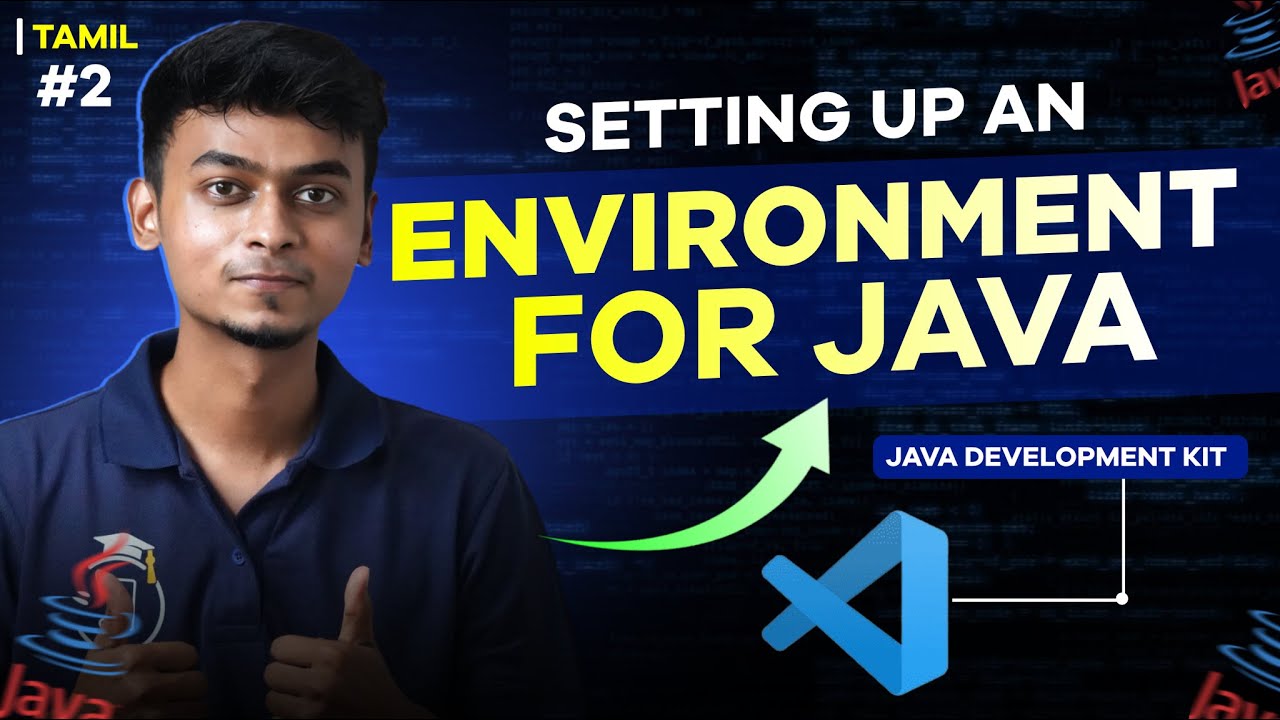
Java Environment Setup for Beginners in Tamil 🖥️
Learn how to set up Java environment in Tamil with this beginner-friendly tutorial. Join our live bootcamp to build web apps from scratch!

Error Makes Clever
558.9K views • Apr 2, 2024
About this video
Join our Live 4 Month Job-Ready BOOTCAMPS:
Full Stack Development – Build web apps from scratch
https://www.errormakesclever.com/fullstack-course?source=FSD_YT_Organic
DevOps with AWS– Learn automation, CI/CD & cloud deployment
https://www.errormakesclever.com/devops?source=Devops_YT_Organic
UI/UX Design – Master design thinking & user experience
https://www.errormakesclever.com/ui-ux?source=UIUX_YT_Organic
In this particular video, we'll be delving into the fundamental aspects of setting up a Java programming environment on your computer.
Java is a versatile, object-oriented programming language renowned for its portability and wide range of applications, spanning from web development to enterprise software development. Establishing a robust Java environment is the first step for anyone venturing into this powerful language.
We'll commence by guiding you through the process of setting up a Java development environment on your PC. This includes installing the Java Development Kit (JDK), configuring the environment variables, and setting up an Integrated Development Environment (IDE) for Java programming.
Next, we'll explore the essentials of managing Java libraries and dependencies, crucial for building Java applications seamlessly. We'll cover how to utilize build tools like Maven or Gradle to efficiently manage dependencies and streamline the development process.
Furthermore, we'll address common troubleshooting scenarios and provide tips to troubleshoot any potential issues that may arise during the setup process.
By the conclusion of this video, you'll possess a comprehensive understanding of how to set up a Java environment on your PC, laying a strong foundation for your journey towards becoming a proficient Java developer.
Java in Tamil.
Join our 700K+ Instagram community: https://www.instagram.com/errormakesclever?igsh=OWVxMmZuNW04M290
Full Stack Development – Build web apps from scratch
https://www.errormakesclever.com/fullstack-course?source=FSD_YT_Organic
DevOps with AWS– Learn automation, CI/CD & cloud deployment
https://www.errormakesclever.com/devops?source=Devops_YT_Organic
UI/UX Design – Master design thinking & user experience
https://www.errormakesclever.com/ui-ux?source=UIUX_YT_Organic
In this particular video, we'll be delving into the fundamental aspects of setting up a Java programming environment on your computer.
Java is a versatile, object-oriented programming language renowned for its portability and wide range of applications, spanning from web development to enterprise software development. Establishing a robust Java environment is the first step for anyone venturing into this powerful language.
We'll commence by guiding you through the process of setting up a Java development environment on your PC. This includes installing the Java Development Kit (JDK), configuring the environment variables, and setting up an Integrated Development Environment (IDE) for Java programming.
Next, we'll explore the essentials of managing Java libraries and dependencies, crucial for building Java applications seamlessly. We'll cover how to utilize build tools like Maven or Gradle to efficiently manage dependencies and streamline the development process.
Furthermore, we'll address common troubleshooting scenarios and provide tips to troubleshoot any potential issues that may arise during the setup process.
By the conclusion of this video, you'll possess a comprehensive understanding of how to set up a Java environment on your PC, laying a strong foundation for your journey towards becoming a proficient Java developer.
Java in Tamil.
Join our 700K+ Instagram community: https://www.instagram.com/errormakesclever?igsh=OWVxMmZuNW04M290
Video Information
Views
558.9K
Likes
8.0K
Duration
6:25
Published
Apr 2, 2024
User Reviews
4.7
(111) Related Trending Topics
LIVE TRENDSRelated trending topics. Click any trend to explore more videos.